 Menda
Menda
Win 10 / 11 · Windows
Windows freezes and hangs: find the app locking up your PC
A PC that freezes, hangs or shows 'Not responding' is usually one stuck app holding everything else hostage — not a dying machine. Task Manager names it in seconds, and ending it cannot damage Windows.
- DifficultyMedium
- Time10 min
- RiskLow
- ReversibleYes
- PlatformWin 10 / 11
- Updated
What that means
Low risk. This fix only checks things, or changes settings you can switch back in the same place. This change is reversible — you can return to the previous state without professional help or data loss.
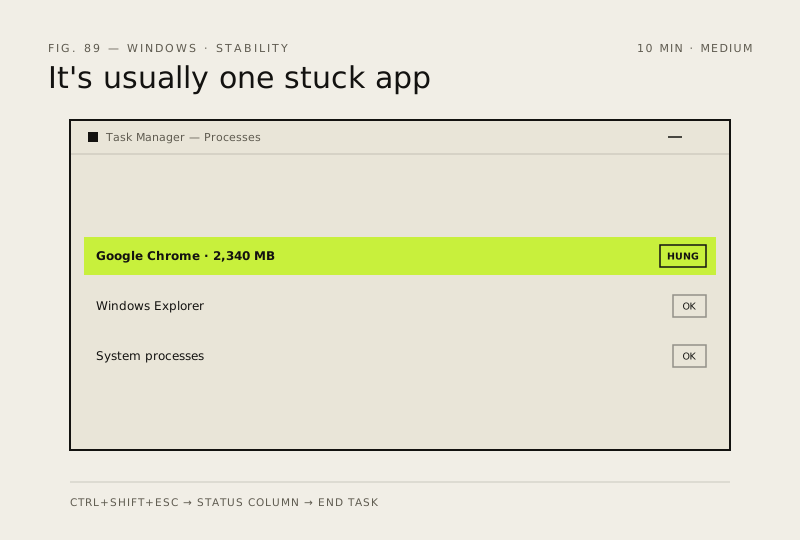
What usually goes wrong
- Hold the power button only as a genuine last resort — a forced shutdown while a file is being written can corrupt that file, and if it belongs to Windows you have traded a freeze for a machine that will not boot.
- Use Restart on Windows Explorer, never End task. Ending it closes your taskbar and desktop with no obvious way back, and you will be left staring at a blank screen wondering what you did.
Steps
How to verify the fix
The app closes and reopens normally, the mouse and taskbar respond again, and Reliability Monitor logs no new hangs over the following few days of normal use.
If this didn't fix it
If the mouse pointer itself stops moving and Ctrl + Alt + Del does nothing, that is a hard hang rather than a stuck app — suspect a driver or RAM, and work through the blue-screen tip next.
Next stop: the related fixes below, or start a guided diagnosis.