 Menda
Menda
Win 10 / 11 · Windows
Second monitor not detected on Windows: find the missing screen
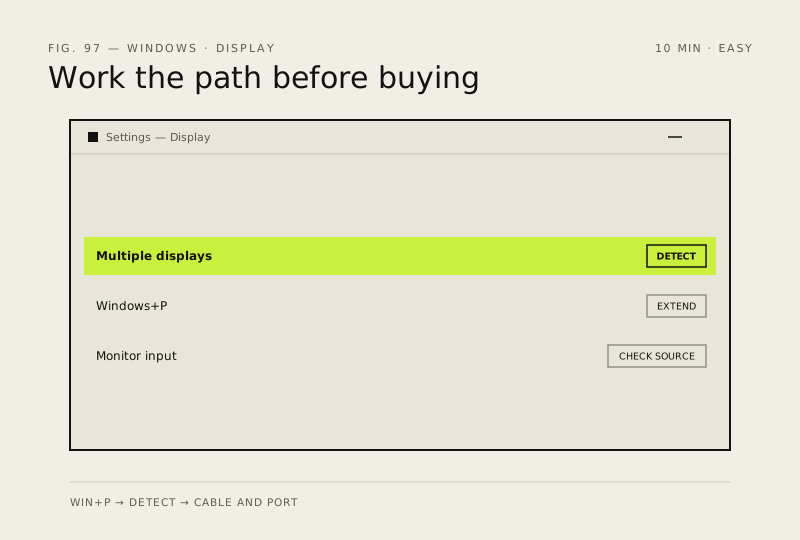
A second screen Windows refuses to see is usually the cable, the port or the wrong input source — not a dead monitor or a failed graphics card. Work the path in order before buying anything.
- DifficultyEasy
- Time10 min
- RiskLow
- ReversibleYes
- PlatformWin 10 / 11
- Updated
What that means
Low risk. This fix only checks things, or changes settings you can switch back in the same place. This change is reversible — you can return to the previous state without professional help or data loss.
What usually goes wrong
- Not every USB-C or Thunderbolt port carries video, so look for the DisplayPort or Thunderbolt symbol beside it before blaming the monitor.
- A hub or dock adds a failure point, so plug the second screen straight into the PC to test before troubleshooting the dock itself.
Steps
How to verify the fix
The second screen appears in Settings, System, Display as a numbered box you can drag, and windows move across onto it.
If this didn't fix it
If the monitor works on another machine but no cable or port combination brings it up here, update the graphics driver from the GPU maker before suspecting hardware. If it appears but flickers or drops out at a high refresh rate, the cable is not rated for it.
Next stop: the related fixes below, or start a guided diagnosis.