 Menda
Menda
Win 10 / 11 · Windows
Organise your work with virtual desktops
One giant taskbar full of thirty apps is where focus goes to die. Windows has had real multi-desktop support forever — most people never find it.
- DifficultyEasy
- Time5 min
- RiskLow
- ReversibleYes
- PlatformWin 10 / 11
- Updated
What that means
Low risk. This fix only checks things, or changes settings you can switch back in the same place. This change is reversible — you can return to the previous state without professional help or data loss.
Steps
How to verify the fix
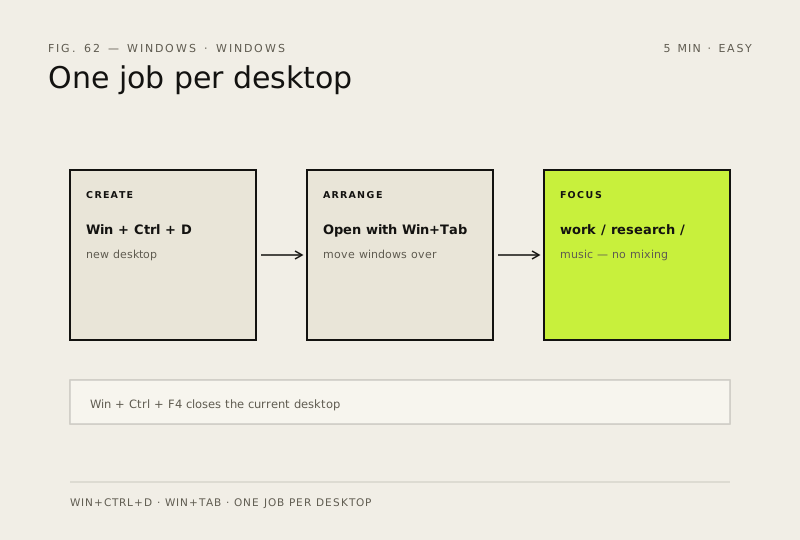
Win + Ctrl + D creates a new desktop and Win + Ctrl + Left/Right switches between them without closing apps.
If this didn't fix it
Shortcuts do nothing — check that a game overlay or remote session isn't capturing the keys, and try Task View (Win + Tab) instead.
Next stop: the related fixes below, or start a guided diagnosis.