 Menda
Menda
Win 10 / 11 · Maintenance
Black screen? Check the display signal path first
A black screen on a powered-on PC is usually the picture not reaching the panel — cable, input source, or projection mode. Check the path before you suspect the GPU.
- DifficultyEasy
- Time5 min
- RiskLow
- ReversibleYes
- PlatformWin 10 / 11
- Updated
What that means
Low risk. This fix only checks things, or changes settings you can switch back in the same place. This change is reversible — you can return to the previous state without professional help or data loss.
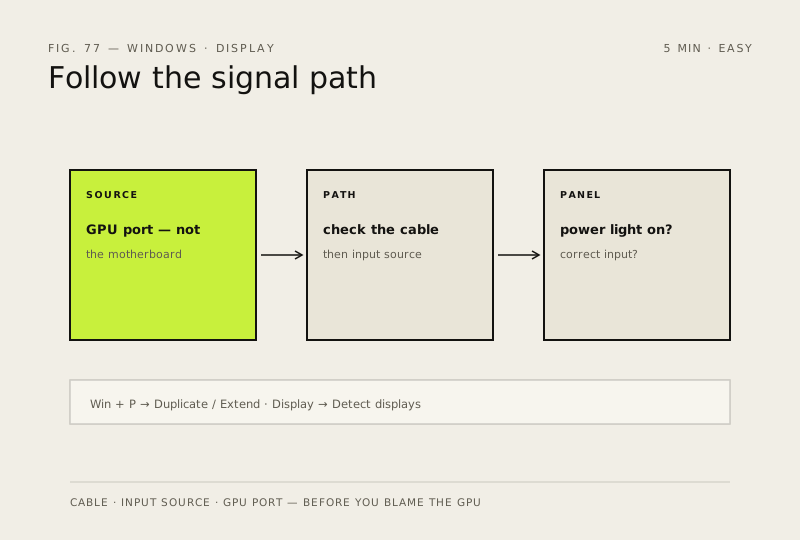
Steps
How to verify the fix
The picture returns — desktop visible on the expected screen, or the external monitor shows its own image in Duplicate/Extend mode.
If this didn't fix it
Still no signal after cable, port and projection checks — likely a GPU/driver fault: move to 'Check for driver updates (in the right order)' before considering hardware replacement.
Next stop: the related fixes below, or start a guided diagnosis.