 Menda
Menda
Win 10 / 11 · Windows
USB device not recognised? The Device Manager pass
A keyboard, mouse or drive that Windows ignores is usually a port, cable, or driver state — not the device itself. Work through the path before you buy anything.
- DifficultyMedium
- Time10 min
- RiskMedium
- ReversibleYes
- PlatformWin 10 / 11
- Updated
What that means
Medium risk. This fix changes system settings, services, drivers, startup items or security features — reversible, but taking it back takes some effort or knowledge, and it may temporarily affect stability. This change is reversible — you can return to the previous state without professional help or data loss.
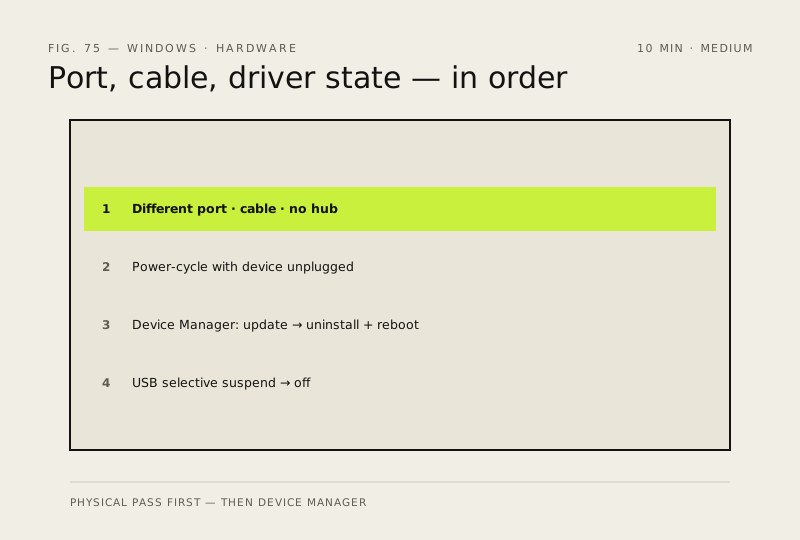
Steps
How to verify the fix
The device appears in Device Manager without warnings and does its job — keyboard types, mouse moves, or the drive shows up in File Explorer with files readable.
If this didn't fix it
Still missing or erroring after port, cable and driver checks — test it on another PC; if it works there the fault is this machine's USB controller, not the device.
Next stop: the related fixes below, or start a guided diagnosis.