 Menda
Menda
Win 10 / 11 · Maintenance
Reset Windows: keep your files, or start completely fresh
Reset Windows with Reset this PC: keep your personal files while it removes every installed app, or remove everything for a completely fresh start after malware or a stranger got into your PC. Either way it reinstalls Windows, and it cannot be undone.
- DifficultyAdvanced
- Time60 min
- RiskHigh
- ReversibleNo
- PlatformWin 10 / 11
- Updated
What that means
High risk. This fix makes deep system changes with a real chance of data loss. Back up your important files before you start. This change is not fully reversible — read every step before you begin and make sure your important work is saved.
What usually goes wrong
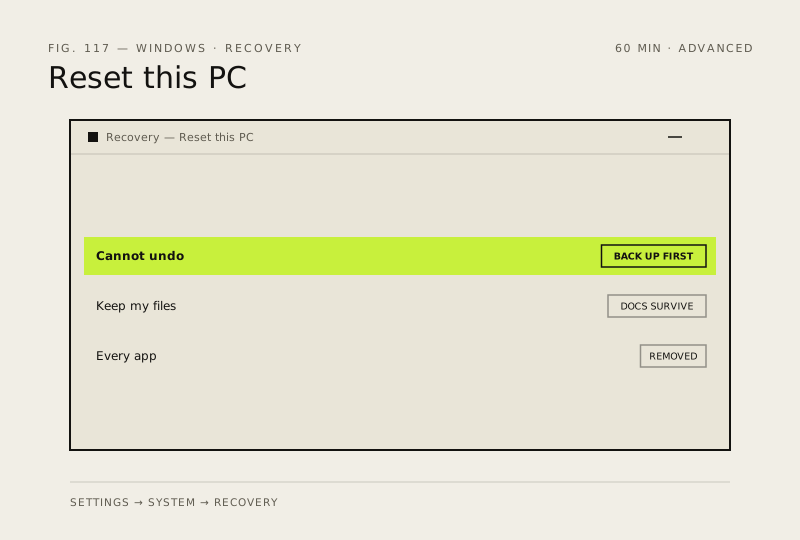
- Keep my files removes every installed application without exception, so treat your app list as something to rebuild rather than something that survives.
- Cloud download pulls several gigabytes and needs a stable connection, so choose Local reinstall unless the local files are the problem you are fixing.
Steps
-
-
-
-
-
-
After malware or a stranger's remote access, choose Remove everything instead
Keep my files leaves your personal files exactly as they are, so anything unwanted stored among them comes through the reset untouched
Windows 11
Windows 10
You should see: Windows starting as it would on a new PC, with none of your old apps or files on it.
Careful: Remove everything deletes all your personal files, apps and settings, and it cannot be undone — finish the backup first. During the reset the screen can stay black for up to 15 minutes; Microsoft says not to restart the PC yourself, because that can make the reset fail.
Why?
Microsoft describes Remove everything as reinstalling Windows and removing all your personal files, apps and settings, and its advice for a PC a scammer had remote access to is to reset the device. The UK's National Cyber Security Centre says a PC that antivirus cannot fix should be wiped entirely and Windows reinstalled.
Also see: Back up properly (3-2-1 rule) · Turn on full-disk encryption (BitLocker) · Think your PC has a virus? Scan it properly · Think someone got into your accounts? Lock them down
How to verify the fix
Windows starts to a fresh desktop, your Documents and Pictures are intact, and Settings shows a clean installed-apps list.
If this didn't fix it
If the reset fails partway and Windows will not start, boot from a USB installer and use the recovery options there. If files are missing afterwards, check C:\Windows.old before doing anything else.
Next stop: the related fixes below, or start a guided diagnosis.