 Menda
Menda
Win 10 / 11 · Windows
Move everything to a new PC
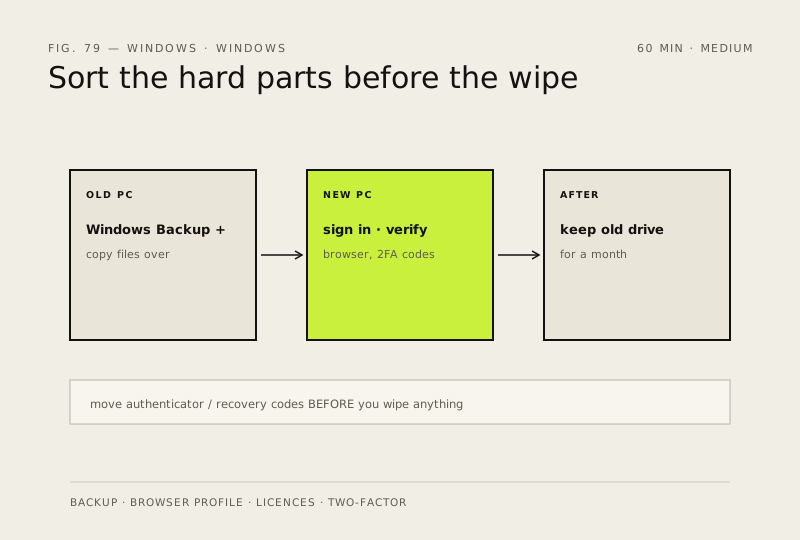
The files are the easy part. What catches people out is the browser profile, the licence keys and the two-factor codes — sort those before the old machine gets wiped.
- DifficultyMedium
- Time60 min
- RiskMedium
- ReversibleYes
- PlatformWin 10 / 11
- Updated
What that means
Medium risk. This fix changes system settings, services, drivers, startup items or security features — reversible, but taking it back takes some effort or knowledge, and it may temporarily affect stability. This change is reversible — you can return to the previous state without professional help or data loss.
Steps
How to verify the fix
Bookmarks, passwords, extensions and 2FA codes all work on the new PC, confirmed before the old machine is wiped.
If this didn't fix it
Something is missing after the switch — the old drive was kept intact for a month; recover from it rather than re-doing the migration.
Next stop: the related fixes below, or start a guided diagnosis.