 Menda
Menda
Win 10 / 11 · Hardware
Laptop plugged in but not charging on Windows
A laptop reporting 'plugged in, not charging' is usually a battery-health limit doing its job, a tired charger, or a driver that lost track — rarely a dead battery.
- DifficultyMedium
- Time15 min
- RiskLow
- ReversibleYes
- PlatformWin 10 / 11
- Updated
What that means
Low risk. This fix only checks things, or changes settings you can switch back in the same place. This change is reversible — you can return to the previous state without professional help or data loss.
What usually goes wrong
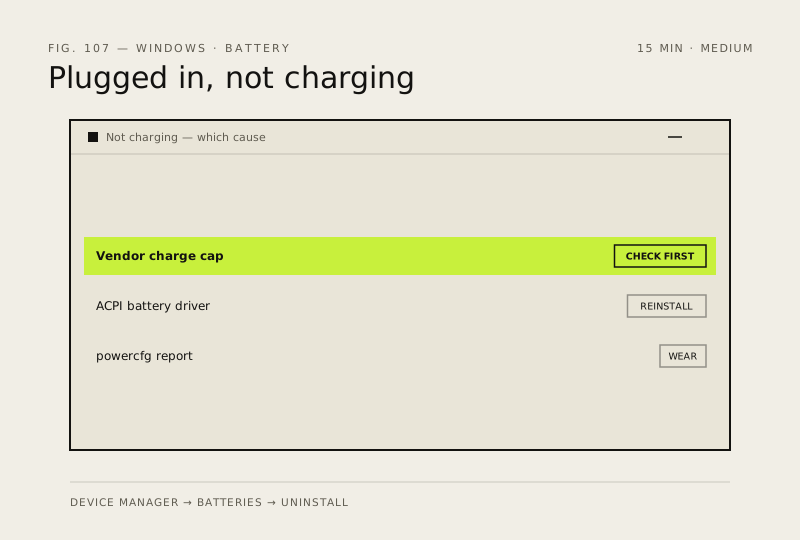
- Uninstall only the Control Method Battery entry, because removing the AC adapter driver stops the laptop charging at all until you restart.
- A battery report showing capacity far below design is wear rather than a fault, and no driver fix will bring that back.
Steps
How to verify the fix
The battery icon shows charging with a rising percentage, and powercfg reports a current capacity close to design.
If this didn't fix it
If it charges with a different charger, the original one has failed. If the driver is reinstalled and no vendor limit is set and it still will not charge, the battery or charging circuit needs service.
Next stop: the related fixes below, or start a guided diagnosis.