 Menda
Menda
Win 10 / 11 · Gaming
Game won't launch on Windows: fix it before reinstalling
A game that closes instantly or never opens is usually a missing runtime, an overlay, or damaged files. Reinstalling fixes it slowly; these checks fix it in minutes.
- DifficultyMedium
- Time20 min
- RiskLow
- ReversibleYes
- PlatformWin 10 / 11
- Updated
What that means
Low risk. This fix only checks things, or changes settings you can switch back in the same place. This change is reversible — you can return to the previous state without professional help or data loss.
What usually goes wrong
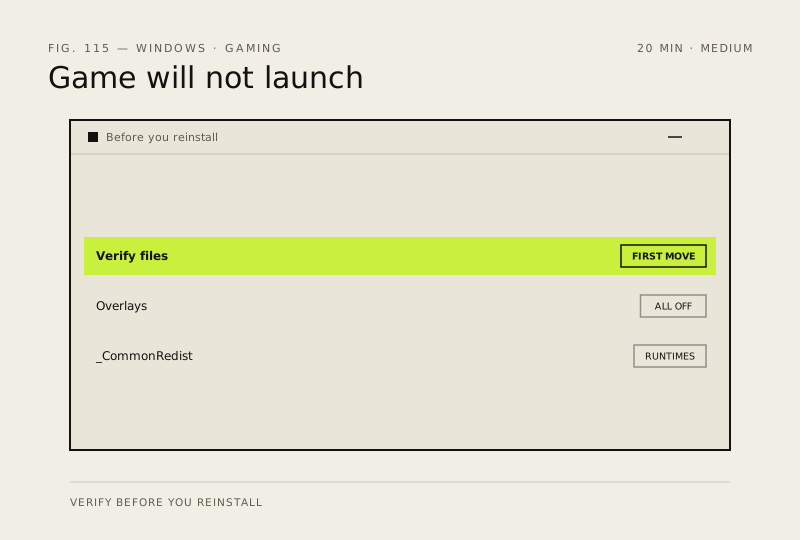
- Verify integrity before reinstalling, because it downloads only the damaged files rather than the entire game again.
- Anti-cheat installs separately from the game, so a game that opens to a black window may need its anti-cheat repaired instead.
Steps
How to verify the fix
The game reaches its menu and stays there for a minute without closing itself.
If this didn't fix it
If it launches with every overlay off, re-enable them one at a time to find which one breaks it. If Event Viewer names an anti-cheat driver, reinstall that component rather than the game.
Next stop: the related fixes below, or start a guided diagnosis.