 Menda
Menda
Win 10 / 11 · Gaming
Raise your effective FPS with Windows Game Mode
Game Mode tells Windows to prioritise the game process and quiet notifications. Leave it on, always.
- DifficultyEasy
- Time1 min
- RiskLow
- ReversibleYes
- PlatformWin 10 / 11
- Updated
What that means
Low risk. This fix only checks things, or changes settings you can switch back in the same place. This change is reversible — you can return to the previous state without professional help or data loss.
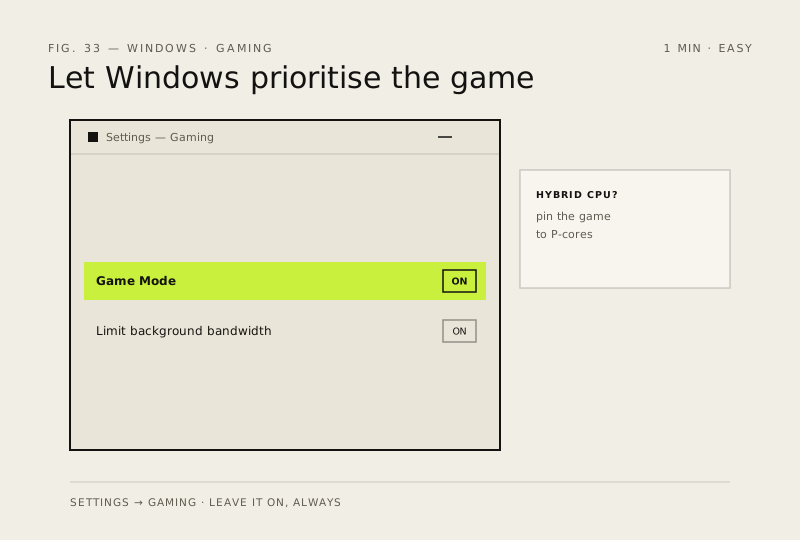
Steps
How to verify the fix
In-game FPS is stable and notifications no longer interrupt gameplay while Game Mode stays on.
If this didn't fix it
No FPS improvement — check the GPU driver and in-game settings before blaming Game Mode.
Next stop: the related fixes below, or start a guided diagnosis.