 Menda
Menda
Any · Gaming
Save your games the right way
The #1 cause of 'I lost 200 hours of progress' is not a disk failure — it's saves living somewhere you didn't think to back up.
- DifficultyEasy
- Time5 min
- RiskLow
- ReversibleYes
- PlatformAny
- Updated
What that means
Low risk. This fix only checks things, or changes settings you can switch back in the same place. This change is reversible — you can return to the previous state without professional help or data loss.
Steps
How to verify the fix
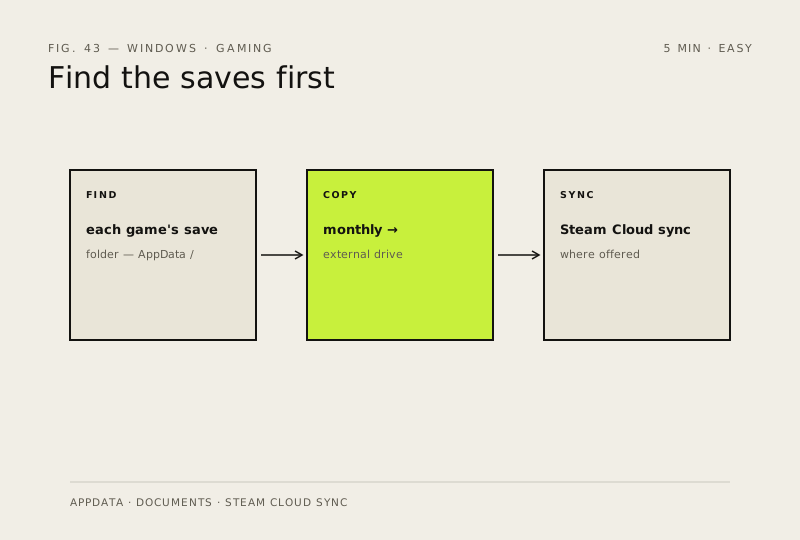
A copy of your save folder exists on an external drive (or Steam Cloud shows synced) from within the last month.
If this didn't fix it
You can't find where a game stores saves, or cloud sync never appears — that game needs manual backup each session.
Next stop: the related fixes below, or start a guided diagnosis.