 Menda
Menda
Win 10 / 11 · Gaming
Controller not detected on Windows: wired and wireless
A controller Windows ignores is usually a cable that only carries power, a Bluetooth pairing that half-completed, or a game expecting a different controller type.
- DifficultyEasy
- Time15 min
- RiskLow
- ReversibleYes
- PlatformWin 10 / 11
- Updated
What that means
Low risk. This fix only checks things, or changes settings you can switch back in the same place. This change is reversible — you can return to the previous state without professional help or data loss.
What usually goes wrong
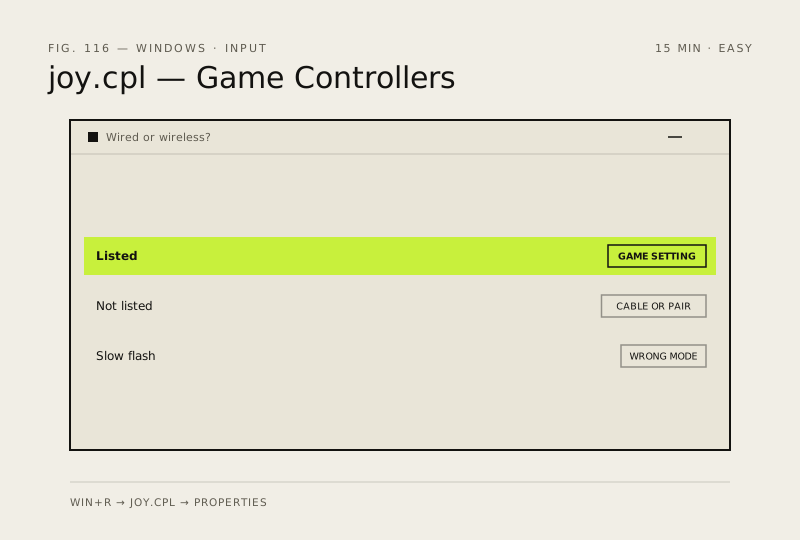
- Test in joy.cpl before troubleshooting the game, because that tells you immediately whether Windows or the game is the problem.
- A controller that works wired but not wirelessly usually needs a firmware update through the maker's own app.
Steps
How to verify the fix
joy.cpl lists the controller and registers your button presses, and the game responds to the stick.
If this didn't fix it
If joy.cpl never sees it on any cable or port, try it on another machine to separate the controller from the PC. If it disconnects during play, replace the batteries before suspecting anything else.
Next stop: the related fixes below, or start a guided diagnosis.