 Menda
Menda
Win 10 / 11 · Windows
Bluetooth won't connect? The pairing reset that works
A Bluetooth device that won't pair or keeps dropping is usually stale pairing data or a tired adapter — not broken hardware. Reset the pairing before you replace anything.
- DifficultyEasy
- Time5 min
- RiskLow
- ReversibleYes
- PlatformWin 10 / 11
- Updated
What that means
Low risk. This fix only checks things, or changes settings you can switch back in the same place. This change is reversible — you can return to the previous state without professional help or data loss.
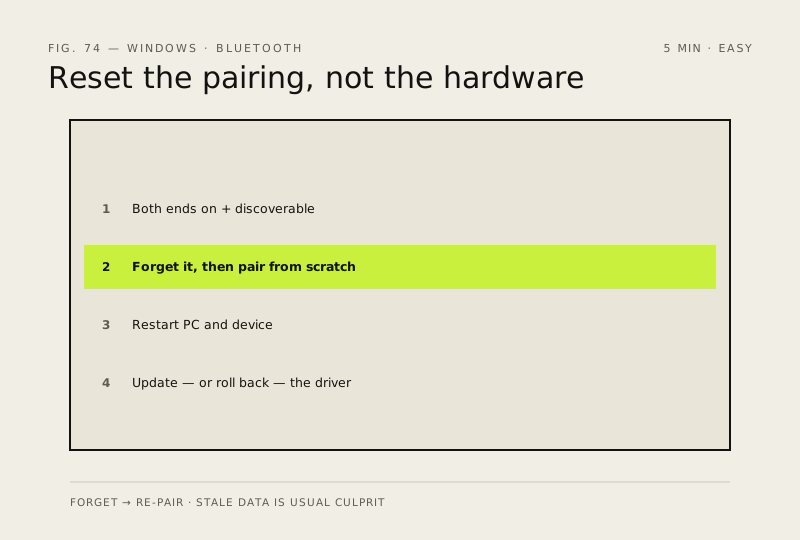
Steps
How to verify the fix
The device reconnects on its own within a couple of metres and stays connected for at least five minutes of normal use.
If this didn't fix it
Still won't pair or drops within seconds — the adapter may be failing; test the same device on another PC to isolate before replacing hardware.
Next stop: the related fixes below, or start a guided diagnosis.