 Menda
Menda
macOS · Mac · Everyday fixes
USB device not recognised on your Mac: find the fault
A drive or keyboard the Mac ignores is usually the port, the cable or the hub. System Information tells you within seconds whether the Mac can see it at all.
- DifficultyMedium
- Time15 min
- RiskLow
- ReversibleYes
- PlatformmacOS
- Updated
What that means
Low risk. This fix only checks things, or changes settings you can switch back in the same place. This change is reversible — you can return to the previous state without professional help or data loss.
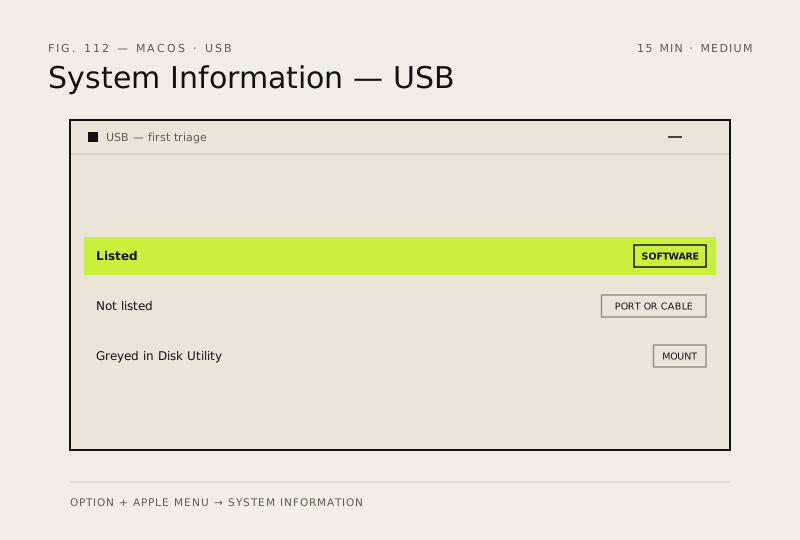
What usually goes wrong
- Never format a drive that will not mount until you have tried it on another computer, because formatting destroys whatever is still recoverable.
- USB-C ports can behave differently even on the same Mac, so test every port before deciding a device is faulty.
Steps
How to verify the fix
The device appears in System Information under USB and mounts in Finder or works as expected.
If this didn't fix it
If it works on another computer but not this Mac in any port, the ports or macOS need service. If it works nowhere, the device or its cable has failed.
Next stop: the related fixes below, or start a guided diagnosis.