 Menda
Menda
macOS · Mac · Speed & performance
Free up disk space with Storage Management
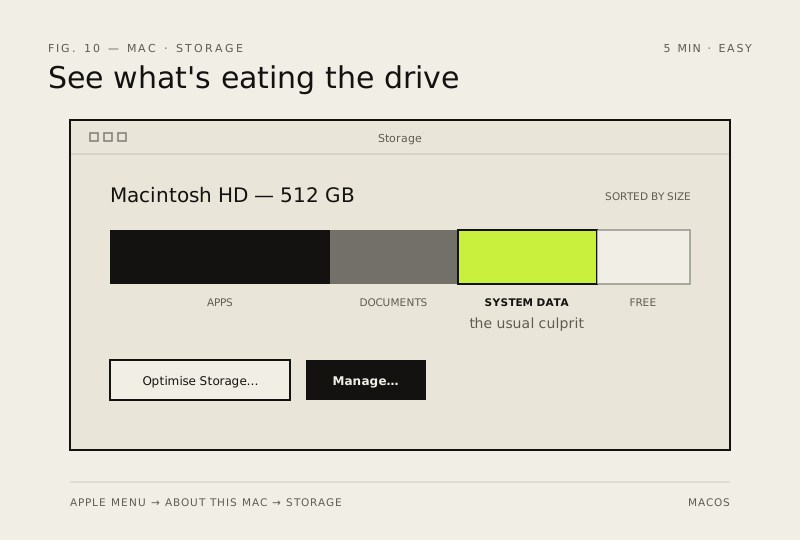
macOS hides how full your drive really is. Storage Management shows the big offenders and can clean them automatically.
- DifficultyEasy
- Time5 min
- RiskLow
- ReversibleYes
- PlatformmacOS
- Updated
What that means
Low risk. This fix only checks things, or changes settings you can switch back in the same place. This change is reversible — you can return to the previous state without professional help or data loss.
Steps
How to verify the fix
System Settings → General → Storage (Monterey and earlier: About This Mac → Storage tab) shows meaningful free space and Optimise Storage is switched on.
If this didn't fix it
Storage still nearly full after cleanup — the large items are in apps or iCloud you haven't reviewed yet.
Next stop: the related fixes below, or start a guided diagnosis.