 Menda
Menda
macOS · Mac · Everyday fixes
Run First Aid on external drives
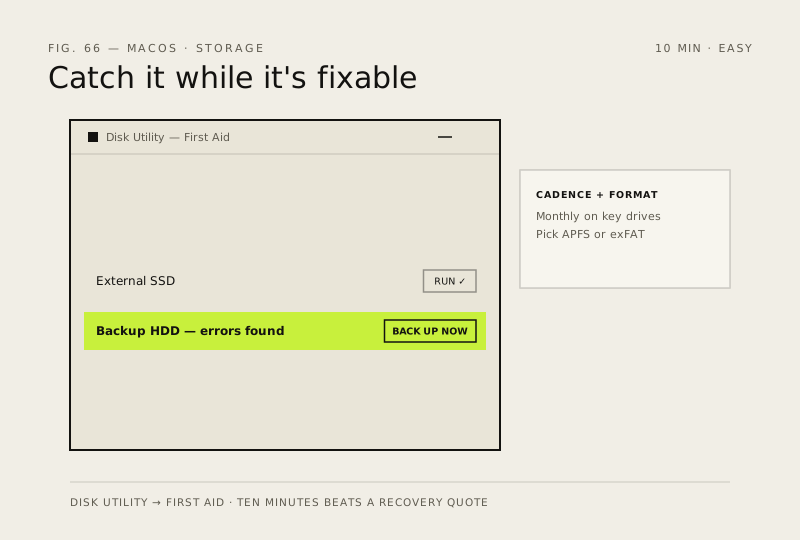
External drives fail quietly — files vanish, copies stall. Disk Utility's First Aid catches most problems while they're still fixable.
- DifficultyEasy
- Time10 min
- RiskLow
- ReversibleYes
- PlatformmacOS
- Updated
What that means
Low risk. This fix only checks things, or changes settings you can switch back in the same place. This change is reversible — you can return to the previous state without professional help or data loss.
Steps
How to verify the fix
First Aid completes with The volume appears to be OK (or repairs reported), and files copy without stalling.
If this didn't fix it
First Aid reports errors it can't repair — back up what you can immediately; that drive is on borrowed time.
Next stop: the related fixes below, or start a guided diagnosis.