 Menda
Menda
macOS · Mac · Everyday fixes
Take a screenshot or record your screen on your Mac
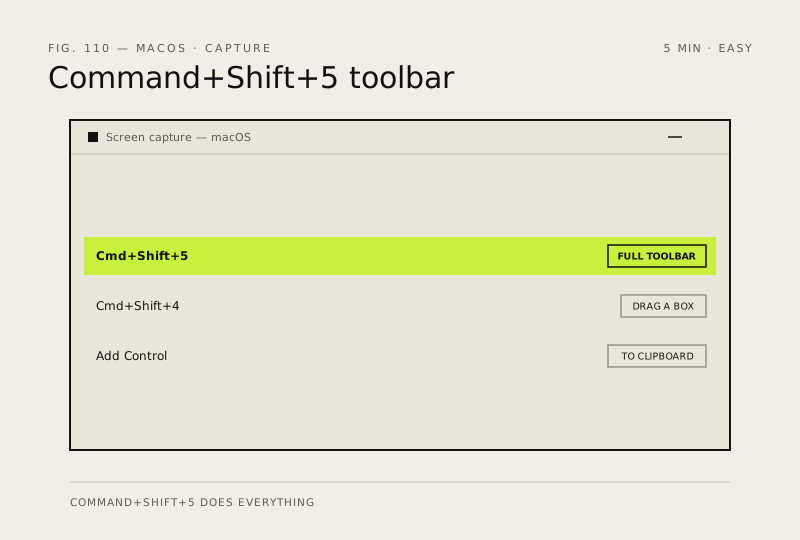
macOS has one shortcut that does everything — capture the whole screen, a selection, a single window, or record video — and it has been there since Mojave.
- DifficultyEasy
- Time5 min
- RiskLow
- ReversibleYes
- PlatformmacOS
- Updated
What that means
Low risk. This fix only checks things, or changes settings you can switch back in the same place. This change is reversible — you can return to the previous state without professional help or data loss.
What usually goes wrong
- Add Control to any of these shortcuts to send the capture to the clipboard instead of a file, which saves a trip through Finder.
- Screen recording needs permission under Privacy & Security and macOS only prompts once, so grant it there if you declined.
Steps
How to verify the fix
The capture appears on your Desktop as a dated PNG, or pastes straight into an app if you held Control.
If this didn't fix it
If nothing happens, check the shortcuts are enabled under System Settings, Keyboard, Keyboard Shortcuts, Screenshots. If a recording has no sound, pick a microphone under Options before you record.
Next stop: the related fixes below, or start a guided diagnosis.