 Menda
Menda
macOS · Mac · Everyday fixes
Microphone permission on your Mac? Let the app use it
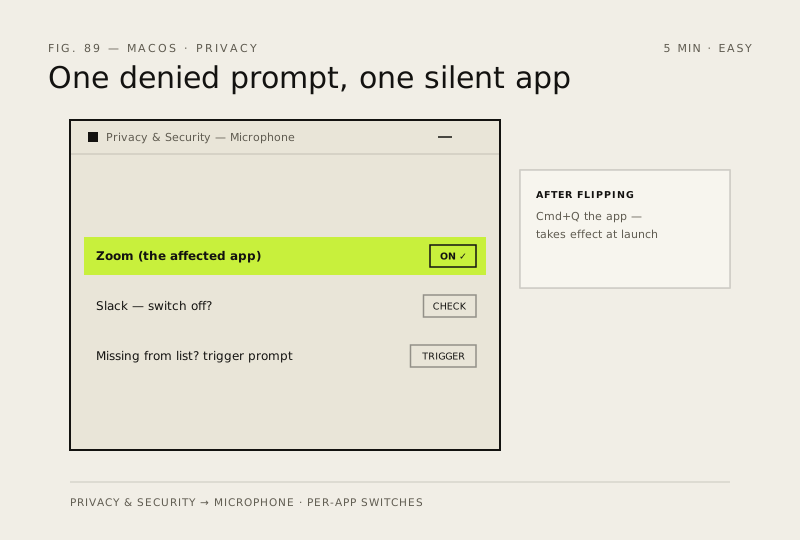
macOS blocks each app from the microphone until you allow it — one denied prompt and that app is silent forever, even though every other app hears you fine. The switch lives in Privacy & Security.
- DifficultyEasy
- Time5 min
- RiskLow
- ReversibleYes
- PlatformmacOS
- Updated
What that means
Low risk. This fix only checks things, or changes settings you can switch back in the same place. This change is reversible — you can return to the previous state without professional help or data loss.
Steps
How to verify the fix
After re-enabling access and relaunching the app, its microphone test (or a new recording) picks up your voice.
If this didn't fix it
Still blocked after toggling — quit the app fully with Cmd+Q, toggle the switch off and on again; if it persists the issue is app-specific or system-level and needs Apple Support rather than more resets.
Next stop: the related fixes below, or start a guided diagnosis.