 Menda
Menda
macOS · Mac · Speed & performance
Keep 10% of your disk free
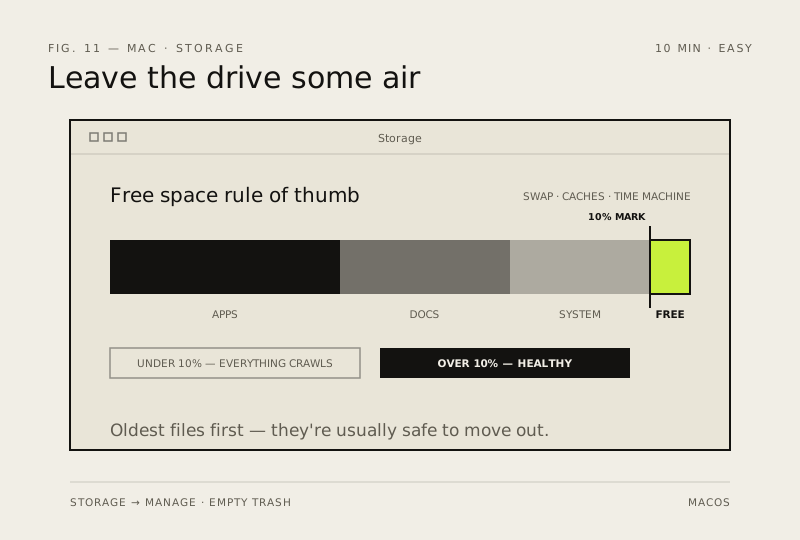
macOS needs headroom for swap and caches. Under about 10% free space, everything — including Time Machine — starts to crawl.
- DifficultyEasy
- Time10 min
- RiskLow
- ReversibleYes
- PlatformmacOS
- Updated
What that means
Low risk. This fix only checks things, or changes settings you can switch back in the same place. This change is reversible — you can return to the previous state without professional help or data loss.
Steps
How to verify the fix
System Settings → General → Storage (Monterey and earlier: About This Mac → Storage tab) shows about 10% or more free space, and Time Machine backups run without warnings.
If this didn't fix it
Free space drops below 10% again within days — a single app or cache is regrowing; sort by size to find it.
Next stop: the related fixes below, or start a guided diagnosis.