 Menda
Menda
macOS · Mac · Security & backups
Keep macOS updated the safe way
Updates fix security holes and bugs — but back up first, so a bad update is never a disaster.
- DifficultyEasy
- Time10 min
- RiskMedium
- ReversibleYes
- PlatformmacOS
- Updated
What that means
Medium risk. This fix changes system settings, services, drivers, startup items or security features — reversible, but taking it back takes some effort or knowledge, and it may temporarily affect stability. This change is reversible — you can return to the previous state without professional help or data loss.
Steps
How to verify the fix
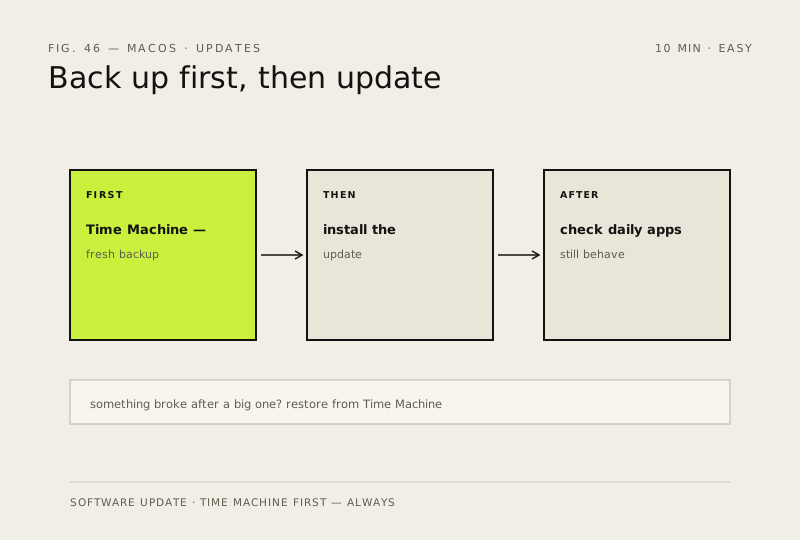
The update installs, your daily apps still behave, and a fresh Time Machine backup exists from before the update.
If this didn't fix it
Something breaks after a major update — restore from the pre-update Time Machine backup rather than reinstalling.
Next stop: the related fixes below, or start a guided diagnosis.