 Menda
Menda
macOS · Mac · Everyday fixes
Open apps blocked by Gatekeeper
'Cannot be opened because the developer cannot be verified' usually means a small indie app, not malware. Here's the safe way past it.
- DifficultyEasy
- Time2 min
- RiskLow
- ReversibleYes
- PlatformmacOS
- Updated
What that means
Low risk. This fix only checks things, or changes settings you can switch back in the same place. This change is reversible — you can return to the previous state without professional help or data loss.
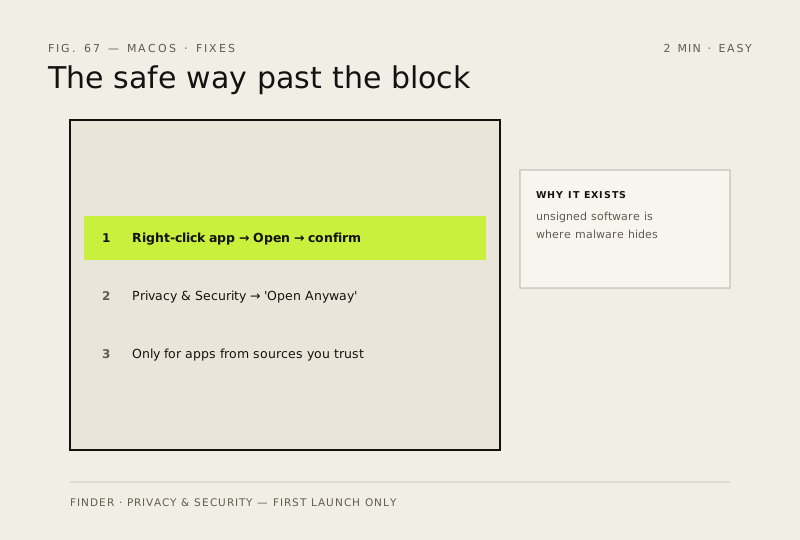
Steps
How to verify the fix
The app opens on first launch via right-click → Open (or Open Anyway), and runs normally afterwards.
If this didn't fix it
The app still won't open or behaves oddly — don't force it; an untrusted source is exactly where malware hides.
Next stop: the related fixes below, or start a guided diagnosis.