 Menda
Menda
macOS · Mac · Everyday fixes
Reset NVRAM when things misbehave
NVRAM stores display resolution, sound and boot preferences. A reset fixes a surprising number of weird glitches.
- DifficultyEasy
- Time3 min
- RiskLow
- ReversibleYes
- PlatformmacOS
- Updated
What that means
Low risk. This fix only checks things, or changes settings you can switch back in the same place. This change is reversible — you can return to the previous state without professional help or data loss.
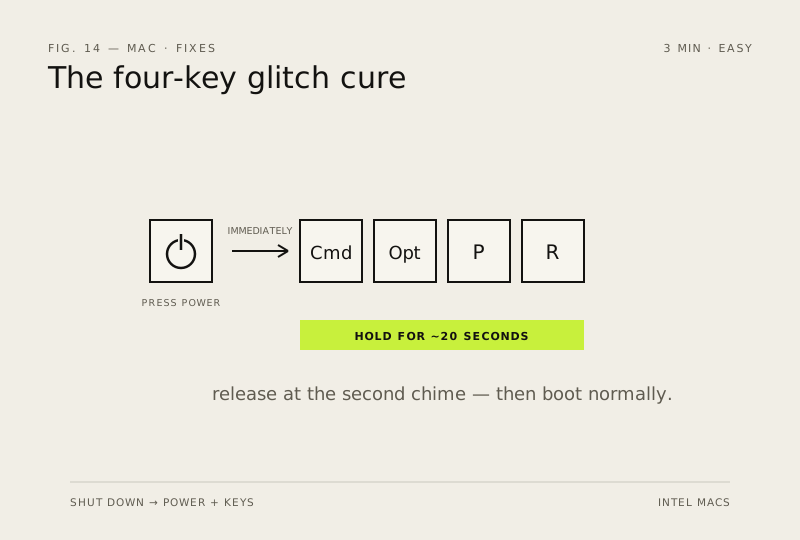
Steps
How to verify the fix
The Mac boots normally and the resolution/audio glitches that prompted the reset are gone.
If this didn't fix it
Glitches return after a normal boot — NVRAM wasn't the cause; check display settings and audio output next.
Next stop: the related fixes below, or start a guided diagnosis.