 Menda
Menda
macOS · Mac · Everyday fixes
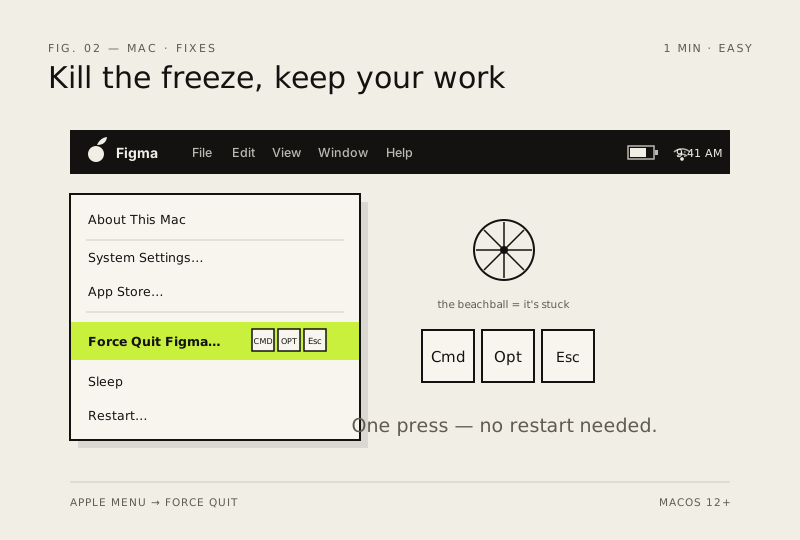
Force-quit a frozen app
A spinning beachball means the app is stuck, not your Mac. Kill it cleanly without restarting everything.
- DifficultyEasy
- Time1 min
- RiskLow
- ReversibleYes
- PlatformmacOS
- Updated
What that means
Low risk. This fix only checks things, or changes settings you can switch back in the same place. This change is reversible — you can return to the previous state without professional help or data loss.
Steps
How to verify the fix
The frozen app closes without a full Mac restart, and other apps keep running normally.
If this didn't fix it
The app respawns or freezes again immediately — quit it from Activity Monitor; if Finder itself froze, relaunch it via the X button there.
Next stop: the related fixes below, or start a guided diagnosis.