 Menda
Menda
macOS · Mac · Everyday fixes
Move everything to a new Mac with Migration Assistant
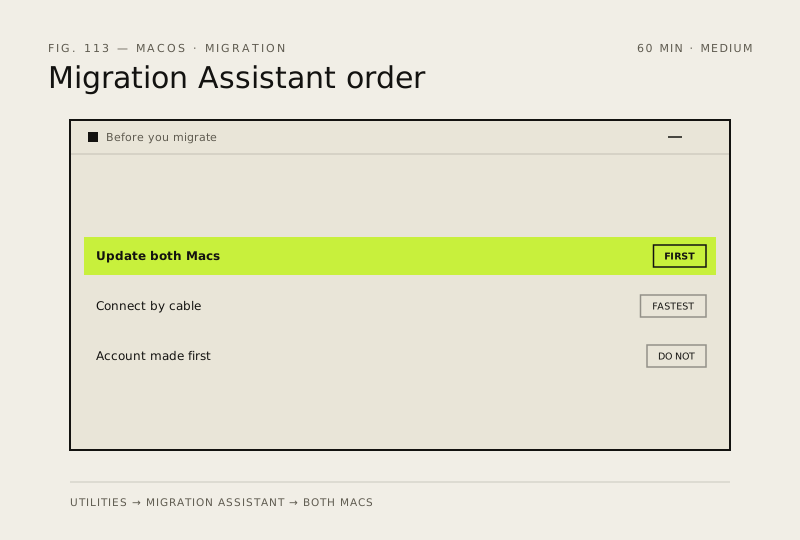
Migration Assistant moves your apps, files, accounts and settings across in one pass. It works best over a cable, and it is the job to do before you set anything up by hand.
- DifficultyMedium
- Time60 min
- RiskMedium
- ReversibleYes
- PlatformmacOS
- Updated
What that means
Medium risk. This fix changes system settings, services, drivers, startup items or security features — reversible, but taking it back takes some effort or knowledge, and it may temporarily affect stability. This change is reversible — you can return to the previous state without professional help or data loss.
What usually goes wrong
- Do not create your user account on the new Mac before migrating, because a matching name forces a merge or a rename instead of a clean transfer.
- Apps installed outside the App Store often need their licence keys re-entered, so gather those before you wipe the old machine.
Steps
How to verify the fix
Your apps, files and Desktop appear on the new Mac and you can sign in with your usual account name and password.
If this didn't fix it
If the two Macs never see each other, connect them by cable rather than troubleshooting Wi-Fi. If the transfer stalls at the same percentage twice, migrate in stages — accounts first, then applications.
Next stop: the related fixes below, or start a guided diagnosis.