 Menda
Menda
macOS · Mac · Security & backups
Turn on FileVault full-disk encryption
If your Mac is stolen or lost, FileVault is the difference between 'inconvenience' and 'identity theft'. It's one click.
- DifficultyEasy
- Time3 min
- RiskMedium
- ReversibleYes
- PlatformmacOS
- Updated
What that means
Medium risk. This fix changes system settings, services, drivers, startup items or security features — reversible, but taking it back takes some effort or knowledge, and it may temporarily affect stability. This change is reversible — you can return to the previous state without professional help or data loss.
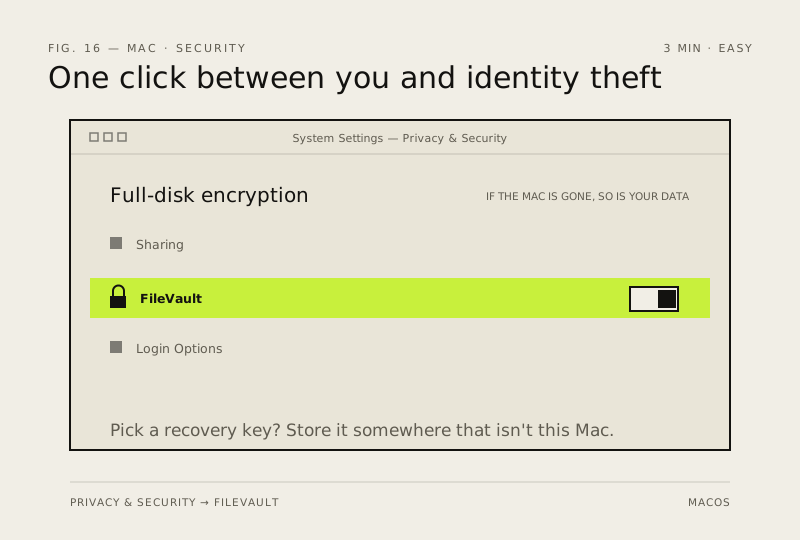
Steps
-
Check whether it is already on
Ventura or later
Monterey or earlier
You should see: FileVault shows On or Off, with a button to change it.
Why?
Apple silicon Macs encrypt the disk at rest regardless; FileVault is what ties decryption to your login, which is the part that protects you if the machine is stolen.
-
Decide how you will get back in — before you encrypt
Careful: If you choose the recovery key, it is genuinely the only way back in. Apple cannot reset it for you. Lose both the password and the key and the data stays encrypted — that is the feature working as designed.
-
Turn it on
You should see: FileVault reads On, with a progress note while the first encryption pass runs.
Careful: Don't let the battery die partway through the first pass. Plug it in and leave it plugged in.
Also see: Keep your Mac battery healthy
-
Store the key off this Mac, then prove the copy works
You should see: The recovery key readable on something that is not this Mac.
Careful: A recovery key stored only on the encrypted disk is no key at all. Do this today, not when you need it.
-
Enable every account that needs to sign in
You should see: Every user can log in normally after a full restart.
Why?
An account that was never enabled simply cannot unlock the machine after a restart — it looks like a broken password, and it isn't.
Also see: Can't log in to your Mac: password and FileVault recovery
How to verify the fix
FileVault reads On in Privacy & Security, every account that needs to sign in can, and you have opened your recovery key (or confirmed your Apple Account unlock) from a different device.
If this didn't fix it
Another user can't log in after a restart — they were never enabled for FileVault; enable them from an account that can. If you have forgotten the login password and cannot produce the recovery key or the Apple Account, there is no way in: Apple cannot reset a FileVault recovery key, and the data stays encrypted.
Next stop: the related fixes below, or start a guided diagnosis.