 Menda
Menda
macOS · Mac · Everyday fixes
Mac won't wake from sleep: get the screen back
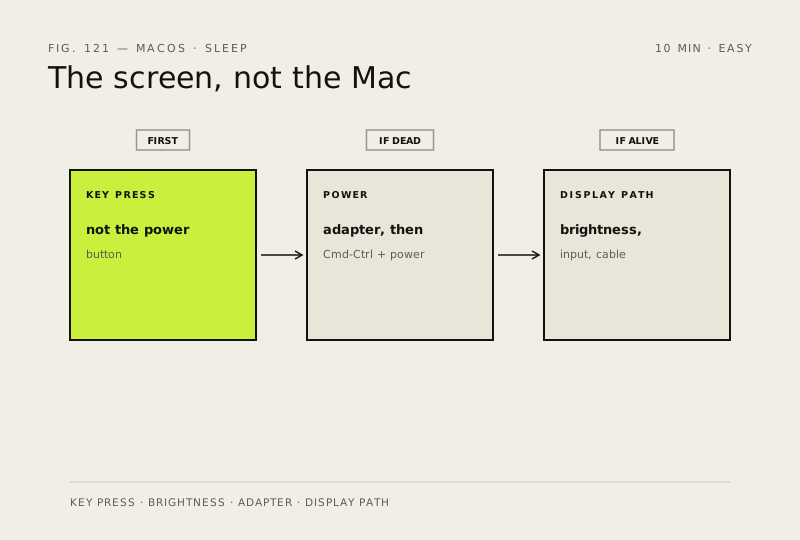
A Mac that wakes to a black screen is usually awake already. It's the display, the brightness or a flat battery that didn't come back — and the power button is the wrong first move.
- DifficultyEasy
- Time10 min
- RiskLow
- ReversibleYes
- PlatformmacOS
- Updated
What that means
Low risk. This fix only checks things, or changes settings you can switch back in the same place. This change is reversible — you can return to the previous state without professional help or data loss.
Steps
-
Wake it the way macOS expects
Why?
Holding the power button on a sleeping Mac can start a shutdown rather than wake it, which is why Apple leads with a key press.
-
Rule out a flat battery
You should see: The battery icon in the menu bar shows it charging.
Why?
This is Apple's own sequence for a laptop that has run out of power — which looks identical to one that refuses to wake.
-
Check the display rather than the Mac
-
Set sleep so it stops happening
Ventura or later
Monterey or earlier
Why?
These separate the display going dark from the whole Mac going to sleep, which is the state it struggles to come back from.
-
If it keeps happening, test it in safe mode
Also see: Stop apps from launching at login
How to verify the fix
A key press wakes the Mac to a working desktop three times in a row, including once after it has been asleep for an hour.
If this didn't fix it
Nothing wakes it and there's no sound, light or fan at all — treat it as a Mac that won't start rather than one that won't wake. If it wakes fine but loses an external display every time, that's the display connection, not sleep.
Next stop: the related fixes below, or start a guided diagnosis.