 Menda
Menda
macOS · Mac · Speed & performance
Stop apps from launching at login
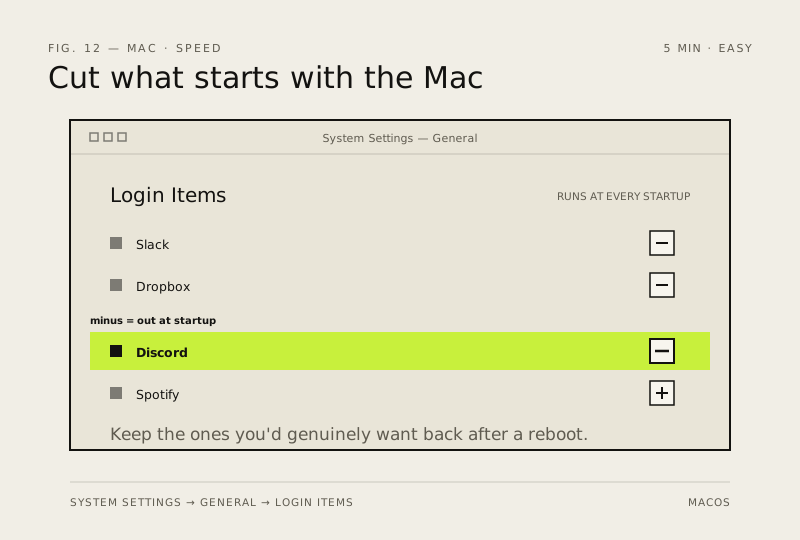
Every app that starts with your Mac steals seconds from boot and RAM all day long. Most of them don't need to be there.
- DifficultyEasy
- Time5 min
- RiskLow
- ReversibleYes
- PlatformmacOS
- Updated
What that means
Low risk. This fix only checks things, or changes settings you can switch back in the same place. This change is reversible — you can return to the previous state without professional help or data loss.
Steps
How to verify the fix
Login Items & Extensions (Login Items on Ventura and Sonoma) lists only apps you consciously want at startup, and boot feels faster with less background RAM use.
If this didn't fix it
An app sneaks back into login — check its own Launch-at-login toggle inside the app's settings.
Next stop: the related fixes below, or start a guided diagnosis.