 Menda
Menda
macOS · Mac · Everyday fixes
Mac battery draining fast: find the apps eating power
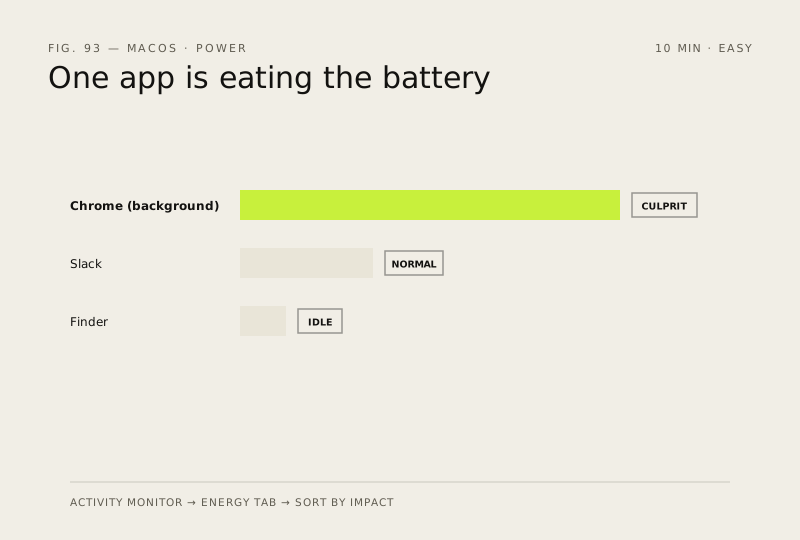
A Mac that used to last all day and now dies by lunchtime is almost always one app burning power in the background. Activity Monitor's Energy tab names it in under a minute.
- DifficultyEasy
- Time10 min
- RiskLow
- ReversibleYes
- PlatformmacOS
- Updated
What that means
Low risk. This fix only checks things, or changes settings you can switch back in the same place. This change is reversible — you can return to the previous state without professional help or data loss.
What usually goes wrong
- Use the normal Quit before Force Quit in Activity Monitor, because forcing an app closed loses whatever it had not saved.
- High energy impact during a video call or an export is expected, so measure while the Mac is idle rather than mid-task.
Steps
How to verify the fix
Battery percentage falls noticeably more slowly across twenty idle minutes, and the menu-bar battery icon no longer lists an app using significant energy.
If this didn't fix it
If nothing shows high energy impact and the battery still empties fast, check System Settings, General, About, System Report, Power for the cycle count and condition. A battery flagged Service Recommended is a hardware replacement, not a settings fix.
Next stop: the related fixes below, or start a guided diagnosis.