 Menda
Menda
macOS · Mac · Everyday fixes
Mac keyboard keys not working: check before you replace it
One or two dead keys on a Mac is sometimes debris and sometimes software, and the two are easy to tell apart in a couple of minutes before you book any repair.
- DifficultyMedium
- Time15 min
- RiskLow
- ReversibleYes
- PlatformmacOS
- Updated
What that means
Low risk. This fix only checks things, or changes settings you can switch back in the same place. This change is reversible — you can return to the previous state without professional help or data loss.
What usually goes wrong
- Never spray compressed air straight down into a key, because that drives debris further in rather than out.
- Test with an external keyboard before booking a repair, since a key that works there confirms the fault is the built-in one.
Steps
How to verify the fix
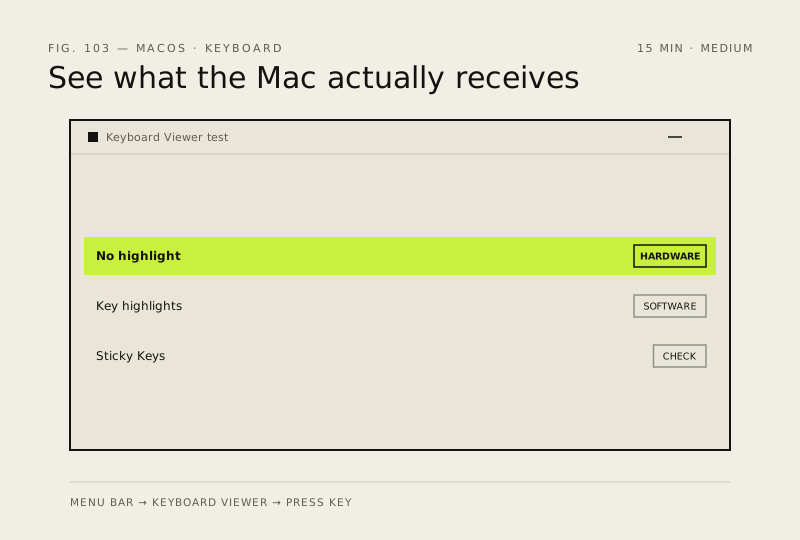
The key registers in Keyboard Viewer and types normally in every app you try.
If this didn't fix it
If several adjacent keys are dead at once, the ribbon connection is the likely fault and needs service. If a key works after a restart and fails again later, suspect an app grabbing that shortcut.
Next stop: the related fixes below, or start a guided diagnosis.