 Menda
Menda
macOS · Mac · Everyday fixes
Mac camera not working in FaceTime or Zoom
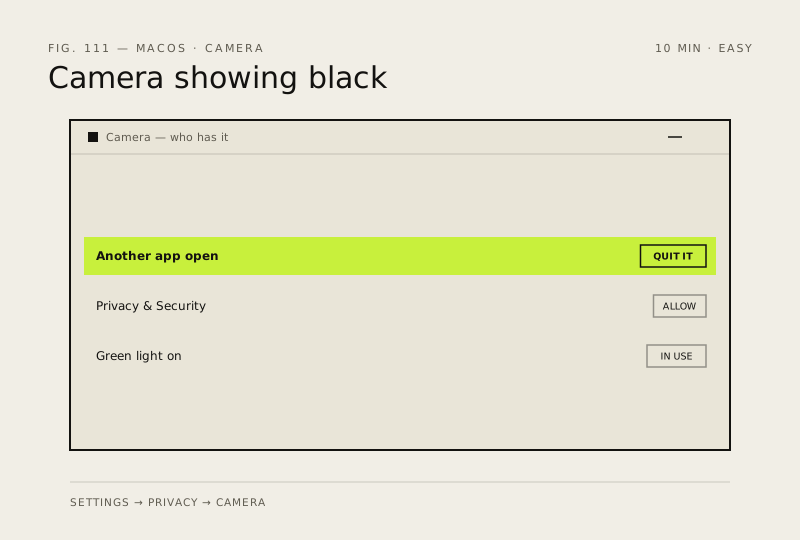
A Mac camera showing black is nearly always another app holding it or a permission that was declined. The hardware rarely fails, and there is no on/off switch to check.
- DifficultyEasy
- Time10 min
- RiskLow
- ReversibleYes
- PlatformmacOS
- Updated
What that means
Low risk. This fix only checks things, or changes settings you can switch back in the same place. This change is reversible — you can return to the previous state without professional help or data loss.
What usually goes wrong
- The green light beside the camera cannot be switched off by software, so if it is lit then something genuinely has the camera.
- Zoom and Teams both have their own camera picker, so check inside the app before deciding macOS is at fault.
Steps
How to verify the fix
Your own video appears in the app's preview and the green light beside the camera comes on.
If this didn't fix it
If the camera works in Photo Booth but not one app, that app's settings or permission are the fault. If Photo Booth also shows black after a restart, the camera needs service.
Next stop: the related fixes below, or start a guided diagnosis.