 Menda
Menda
macOS · Mac · Everyday fixes
Fix slow Wi-Fi on your Mac
Before you blame the router or the ISP, rule out the Mac side of the connection in ten minutes.
- DifficultyEasy
- Time10 min
- RiskLow
- ReversibleYes
- PlatformmacOS
- Updated
What that means
Low risk. This fix only checks things, or changes settings you can switch back in the same place. This change is reversible — you can return to the previous state without professional help or data loss.
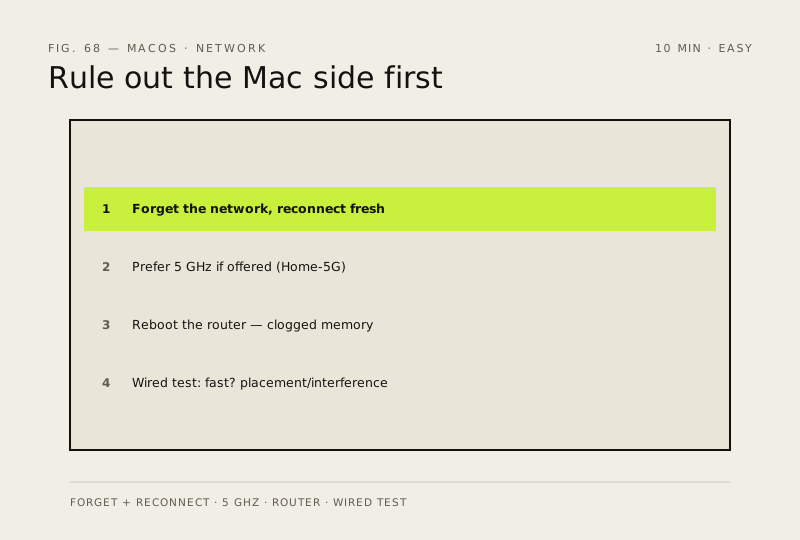
Steps
How to verify the fix
Wi-Fi speed matches your wired test (or the gap is explained by placement), and the connection stays stable on 5 GHz if available.
If this didn't fix it
Wired is fast but Wi-Fi still slow after forgetting/reconnecting — it's placement or interference; move closer or switch bands.
Next stop: the related fixes below, or start a guided diagnosis.