 Menda
Menda
macOS · Mac · Everyday fixes
Can't log in to your Mac: password and FileVault recovery
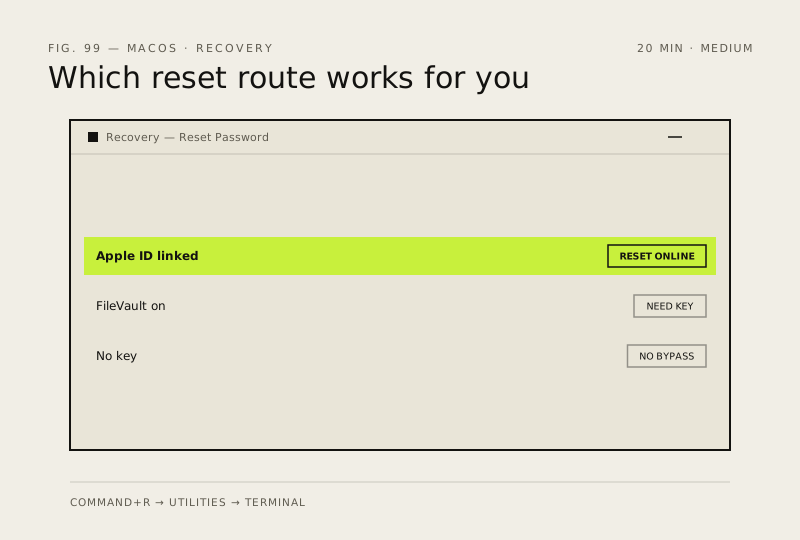
A Mac that rejects your password is usually recoverable without erasing anything, but which route works depends on whether the account is linked to an Apple ID and whether FileVault is on.
- DifficultyMedium
- Time20 min
- RiskLow
- ReversibleYes
- PlatformmacOS
- Updated
What that means
Low risk. This fix only checks things, or changes settings you can switch back in the same place. This change is reversible — you can return to the previous state without professional help or data loss.
What usually goes wrong
- Without both the password and the FileVault recovery key the data is unrecoverable, and Apple cannot unlock it for you.
- A reset password does not unlock your login Keychain, so expect to be asked to update it or start a new one at first sign-in.
Steps
How to verify the fix
You reach the desktop, and a restart followed by a fresh sign-in works on the first attempt.
If this didn't fix it
If Recovery asks for a recovery key you do not have, stop — no tool or service can bypass FileVault. If the Mac is managed by a school or employer, only the administrator can reset it.
Next stop: the related fixes below, or start a guided diagnosis.