 Menda
Menda
macOS · Mac · Everyday fixes
Bluetooth won't pair on your Mac? Reset it properly
Pairing failures are usually a stale pairing record, a device stuck in the wrong mode, or another device stealing the connection. A clean re-pair fixes most of it.
- DifficultyEasy
- Time5 min
- RiskLow
- ReversibleYes
- PlatformmacOS
- Updated
What that means
Low risk. This fix only checks things, or changes settings you can switch back in the same place. This change is reversible — you can return to the previous state without professional help or data loss.
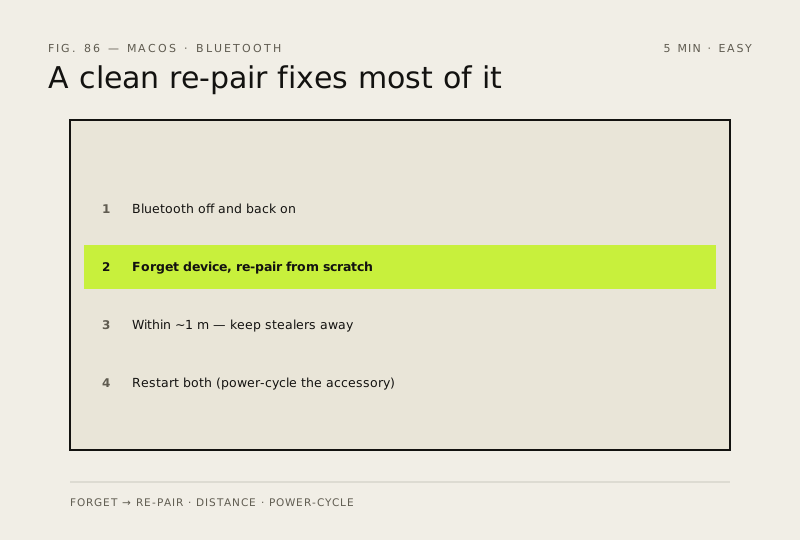
Steps
How to verify the fix
The device reconnects automatically after sleep and stays connected for 10+ minutes of normal use.
If this didn't fix it
It drops again immediately — try a different Bluetooth device to isolate whether the problem is this one accessory or the Mac's radio before deeper resets.
Next stop: the related fixes below, or start a guided diagnosis.