 Menda
Menda
Win 10 / 11 · Maintenance
Windows PC restarts or shuts down on its own: find the cause
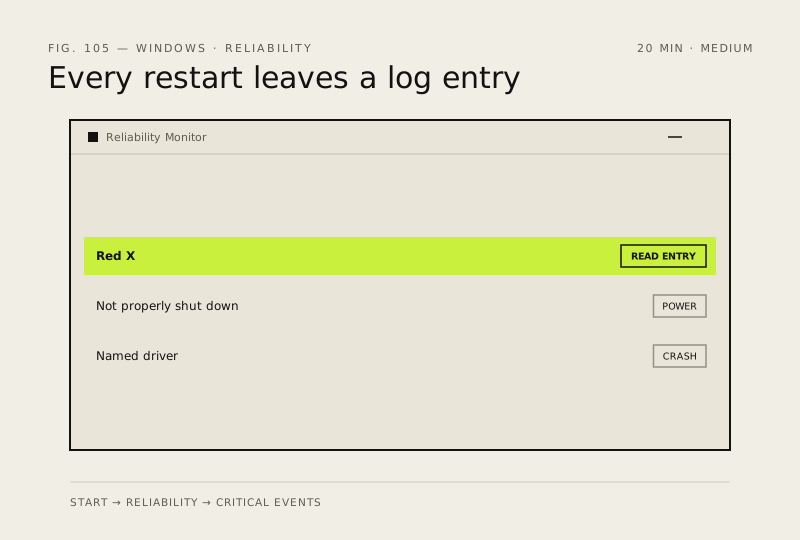
A PC that restarts without warning is logging why every single time. Reliability Monitor names the cause in a minute, and heat or the power supply are the two usual answers.
- DifficultyMedium
- Time20 min
- RiskLow
- ReversibleYes
- PlatformWin 10 / 11
- Updated
What that means
Low risk. This fix only checks things, or changes settings you can switch back in the same place. This change is reversible — you can return to the previous state without professional help or data loss.
What usually goes wrong
- A restart with no Reliability Monitor entry at all means the machine lost power instantly, which points at hardware rather than Windows.
- Investigate the first restart rather than waiting for a pattern, because the log detail is most useful while the event is recent.
Steps
How to verify the fix
The PC runs a full working session, including whatever load triggered it before, without restarting once.
If this didn't fix it
If it restarts under load and temperatures are fine, size your PSU against your components before replacing anything else. If Memory Diagnostic reports errors, test one stick at a time to find which.
Next stop: the related fixes below, or start a guided diagnosis.