 Menda
Menda
Any · Hardware
Size your PSU before the next upgrade
A power supply that's too small is the quiet cause of random shutdowns under load. Sizing it right takes one calculator and ten minutes.
- DifficultyMedium
- Time15 min
- RiskLow
- ReversibleYes
- PlatformAny
- Updated
What that means
Low risk. This fix only checks things, or changes settings you can switch back in the same place. This change is reversible — you can return to the previous state without professional help or data loss.
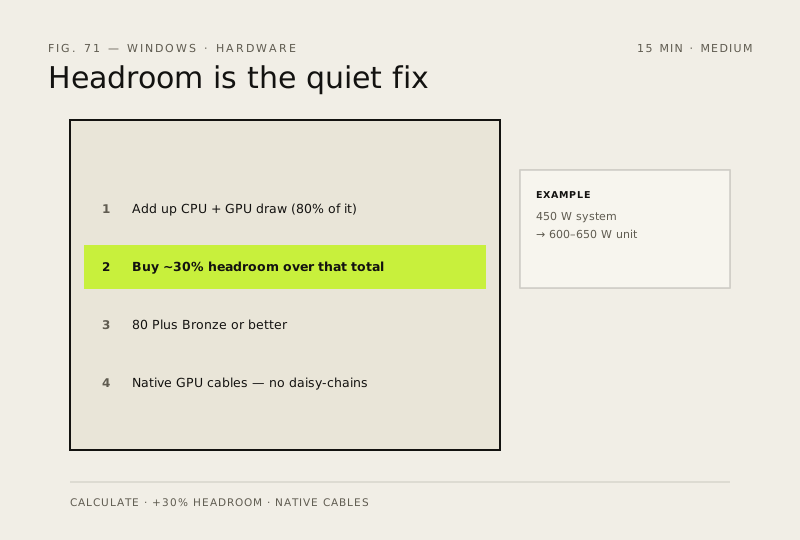
Steps
How to verify the fix
Your calculated draw plus about 30% headroom matches the PSU you choose, and native cables (no daisy-chained adapters) are available for your GPU.
If this didn't fix it
Random shutdowns under load continue after the upgrade — the PSU was still undersized or a cable is faulty; re-check the calculation.
Next stop: the related fixes below, or start a guided diagnosis.