 Menda
Menda
Win 10 / 11 · Everyday how-tos
Dynamic Lock: lock your PC when you walk away
Dynamic Lock watches your phone's Bluetooth signal and locks the PC when you leave the desk — useful in an office or a shared house.
- DifficultyEasy
- Time5 min
- RiskLow
- ReversibleYes
- PlatformWin 10 / 11
- Updated
What that means
Low risk. This fix only checks things, or changes settings you can switch back in the same place. This change is reversible — you can return to the previous state without professional help or data loss.
Steps
-
Pair your phone to the PC over Bluetooth first
Dynamic Lock watches a paired phone, so the pairing has to exist before the setting does anything
Windows 11
Windows 10
You should see: The phone listed as paired in the PC's Bluetooth settings.
-
Switch Dynamic Lock on
You should see: The Dynamic lock checkbox ticked, with your phone named underneath it.
-
Understand what it actually does
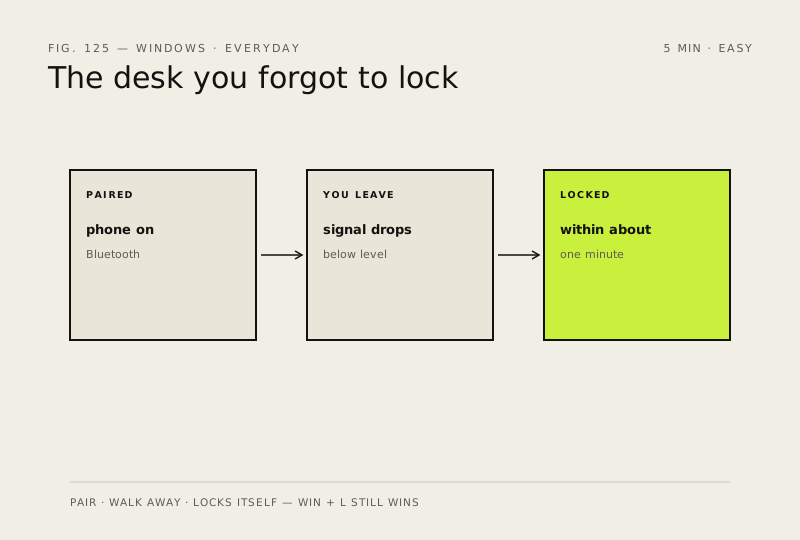
Microsoft describes it as locking the device when the Bluetooth signal drops below a certain level, which means you have moved away
Why?
The one-minute delay is the point: a signal that dips while you stretch should not lock your screen mid-sentence.
-
Test it once, properly
You should see: The lock screen when you return, rather than your desktop.
-
Keep the habit that always works
Careful: Do not rely on Dynamic Lock alone anywhere that matters. It cannot lock the PC if the phone is in your bag on the same desk, and it will not fire at all with Bluetooth switched off.
Also see: Turn on full-disk encryption (BitLocker)
How to check it worked
Walk away with your paired phone and the PC reaches the lock screen on its own within about a minute.
If it didn't work
It never locks: the phone is no longer paired, Bluetooth is off at one end, or the phone is still close enough to hold a signal through a thin wall. Dynamic Lock is a backstop, not a guarantee — it does nothing if you leave the phone on the desk.
Next stop: the related fixes below, or start a guided diagnosis.