 Menda
Menda
Win 10 / 11 · Security
Protect against ransomware before it's too late
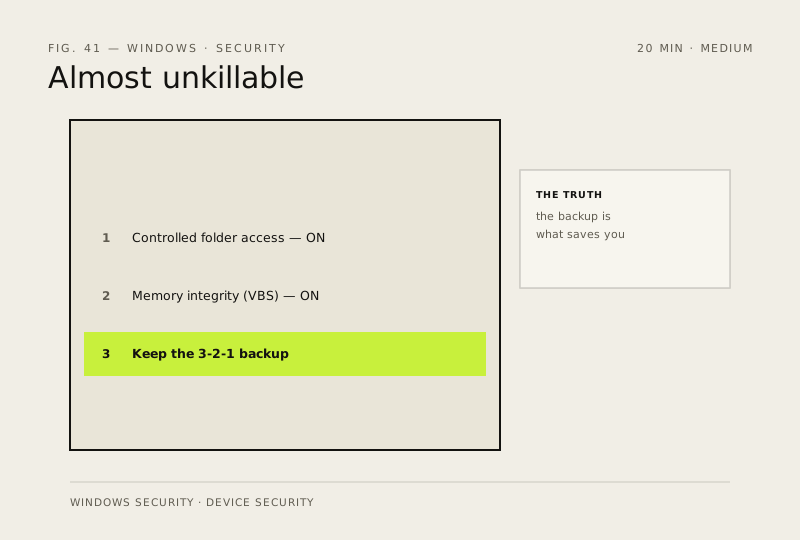
Ransomware you can't restore from is the only data loss that matters. Three layers make it far less likely to cost you anything.
- DifficultyMedium
- Time20 min
- RiskMedium
- ReversibleYes
- PlatformWin 10 / 11
- Updated
What that means
Medium risk. This fix changes system settings, services, drivers, startup items or security features — reversible, but taking it back takes some effort or knowledge, and it may temporarily affect stability. This change is reversible — you can return to the previous state without professional help or data loss.
What usually goes wrong
- Controlled folder access blocks legitimate software too — games saving progress, backup tools, installers. Allow them one by one under 'Allow an app through', and switch it on when you have time to sort that out.
- Memory integrity refuses to enable if an old driver doesn't support it. Windows names the offending driver — update or remove that, rather than abandoning the setting.
- A backup only saves you if the ransomware can't reach it. A permanently plugged-in external drive, or a synced cloud folder, gets encrypted along with everything else.
- Test one restore now, while nothing is wrong. Discovering the backup doesn't restore is much cheaper today than on the morning you need it.
Steps
-
Turn on Controlled folder access
Careful: It is part of Microsoft Defender — if a third-party antivirus has taken over, it won't work; Windows Security shows which product owns Virus & threat protection. It will also block games saving progress and some backup tools until you allow them — switch it on when you have ten minutes to sort that out, not the night before a deadline.
Why?
Controlled folder access lets only apps you approve save into your Documents, Pictures and other personal folders — ransomware's main target.
-
Turn on Memory integrity
Why?
Memory integrity is hypervisor-protected code integrity (HVCI) — it runs on top of Virtualization-based security, or VBS — and stops malicious or unsigned driver code from loading into the core of Windows. The cost is a small FPS hit on older hardware; most people should keep it on.
-
Keep a backup ransomware can't touch
Also see: Back up properly (3-2-1 rule)
How to verify the fix
Controlled folder access and Memory integrity both show On in Windows Security, and your 3-2-1 backup is current.
If this didn't fix it
An app or game breaks after enabling Memory integrity — note which one and weigh the trade-off, or disable that single setting.
Next stop: the related fixes below, or start a guided diagnosis.