 Menda
Menda
Win 10 / 11 · Windows
Bluetooth audio cutting out or lagging on Windows
Headphones that stutter, lag behind video or drop mid-track are usually stuck in the wrong audio profile or fighting interference. The pairing itself is generally fine.
- DifficultyMedium
- Time15 min
- RiskLow
- ReversibleYes
- PlatformWin 10 / 11
- Updated
What that means
Low risk. This fix only checks things, or changes settings you can switch back in the same place. This change is reversible — you can return to the previous state without professional help or data loss.
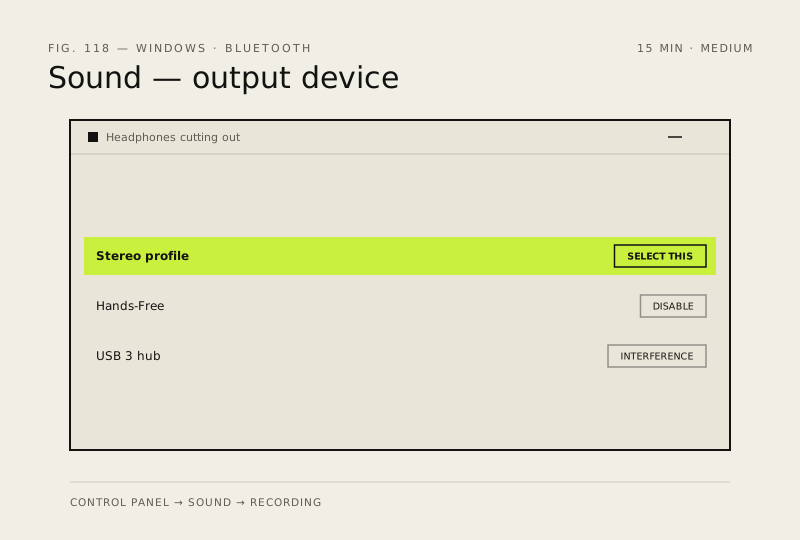
What usually goes wrong
- Disabling the headset microphone means you cannot use it for calls on that device, so re-enable it when you need one.
- Some audio lag behind video is normal on Bluetooth, so compare against a wired connection before treating it as a fault.
Steps
How to verify the fix
Music plays for a full album without stuttering, and the output stays on the Stereo profile after you take a call.
If this didn't fix it
If it only cuts out in one room, that is range or interference rather than the PC. If it stutters on a phone too, the headphones or their firmware are at fault.
Next stop: the related fixes below, or start a guided diagnosis.