 Menda
Menda
macOS · Mac · Everyday fixes
Printer won't print from your Mac: clear the queue and re-add it
Nine times out of ten a Mac that will not print has a stuck job at the front of the queue or a printer that has quietly gone offline — not a broken printer.
- DifficultyEasy
- Time10 min
- RiskMedium
- ReversibleYes
- PlatformmacOS
- Updated
What that means
Medium risk. This fix changes system settings, services, drivers, startup items or security features — reversible, but taking it back takes some effort or knowledge, and it may temporarily affect stability. This change is reversible — you can return to the previous state without professional help or data loss.
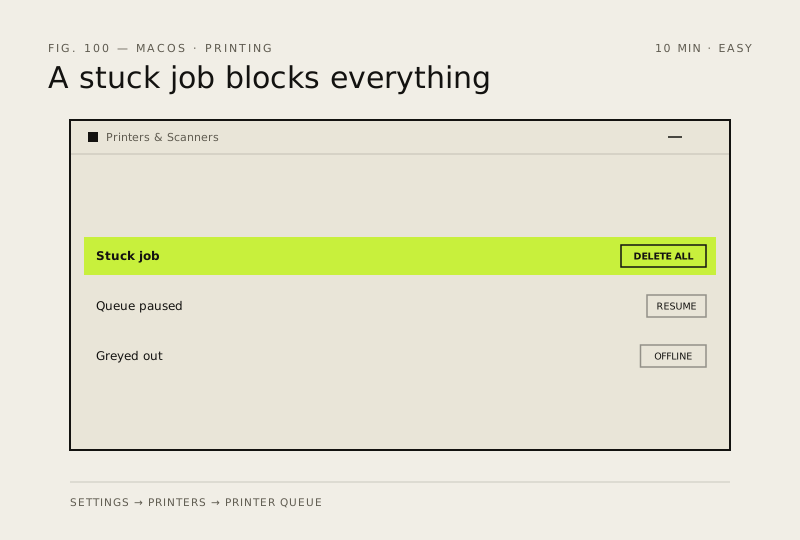
What usually goes wrong
- Resetting the printing system deletes every saved printer and its settings, so only reach for it after remove-and-re-add has failed.
- A USB printer still needs its own driver on Apple silicon, so check the manufacturer's site if macOS cannot find one.
Steps
How to verify the fix
A test page prints, and the queue empties instead of stalling on the first job.
If this didn't fix it
If the printer prints from a phone but not the Mac, the fault is the Mac's queue or driver. If nothing prints from any device, it is the printer or the network.
Next stop: the related fixes below, or start a guided diagnosis.