 Menda
Menda
macOS · Mac · Everyday fixes
MacBook running hot with loud fans: cool it down
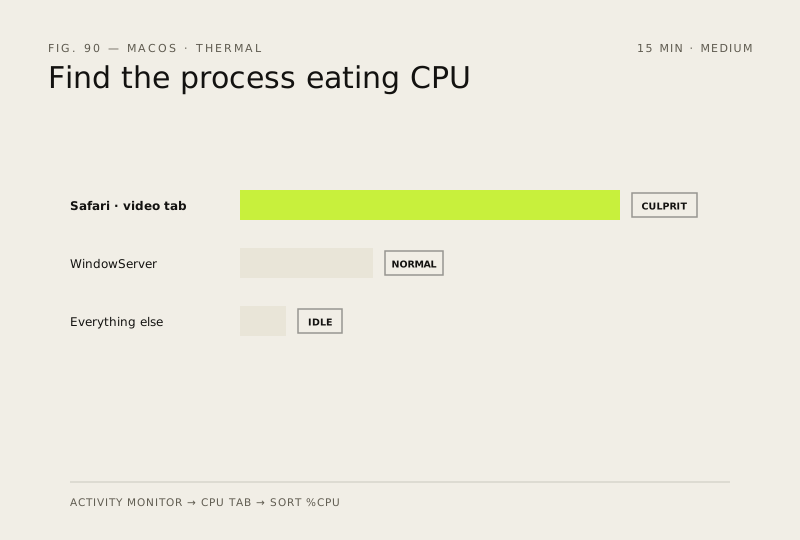
A MacBook that is hot to the touch with fans running flat out is almost always one process working too hard, or airflow blocked by whatever the machine is sitting on. Activity Monitor names the process, and both fixes take minutes.
- DifficultyMedium
- Time15 min
- RiskLow
- ReversibleYes
- PlatformmacOS
- Updated
What that means
Low risk. This fix only checks things, or changes settings you can switch back in the same place. This change is reversible — you can return to the previous state without professional help or data loss.
What usually goes wrong
- Do not install a third-party app that forces the fans to run quieter. You will silence the warning while the chip throttles itself or shuts down to protect the hardware, which is a worse outcome than a noisy fan.
- Apple silicon Macs have no user-triggered SMC reset — a normal shutdown, 30 seconds off, then power on does the same job; key-combination resets are for Intel Macs and do nothing here.
Steps
How to verify the fix
Fans slow audibly within two to three minutes of quitting the culprit, Activity Monitor shows nothing above about 30% CPU when you are not actively doing anything, and the chassis near the hinge is warm rather than uncomfortable to hold.
If this didn't fix it
If the fans run flat out while Activity Monitor shows nothing above a few percent, suspect a failed temperature sensor or fan controller and book a service appointment.
Next stop: the related fixes below, or start a guided diagnosis.