 Menda
Menda
macOS · Mac · Everyday fixes
Is your Mac too old for the latest macOS?
Apple drops older Macs from each macOS release and the machine gives no warning it has been left behind. Checking takes two minutes, and the answer decides what you do next.
- DifficultyEasy
- Time10 min
- RiskLow
- ReversibleYes
- PlatformmacOS
- Updated
What that means
Low risk. This fix only checks things, or changes settings you can switch back in the same place. This change is reversible — you can return to the previous state without professional help or data loss.
What usually goes wrong
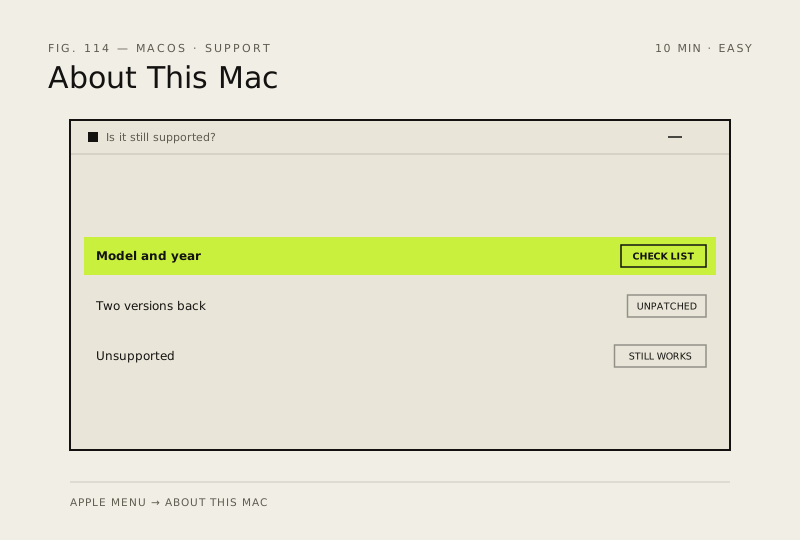
- An unsupported Mac still runs fine, so replace it when the software you rely on drops support rather than on version number alone.
- Tools that force a newer macOS onto an unsupported Mac break graphics and sleep on many models, and Apple will not help afterwards.
Steps
How to verify the fix
You know your model and year, whether it appears on Apple's supported list, and whether Software Update offers you anything.
If this didn't fix it
If Software Update shows nothing but your model is supported, free up several gigabytes and try again. If the Mac is more than two versions behind, treat it as unpatched and avoid banking on it.
Next stop: the related fixes below, or start a guided diagnosis.