 Menda
Menda
Win 10 / 11 · Windows
Windows app crashes or won't open: work through five checks
An app that closes the instant you launch it, or never appears at all, is usually a permissions problem, a broken install or a conflict with something else — rarely a broken PC.
- DifficultyMedium
- Time15 min
- RiskMedium
- ReversibleYes
- PlatformWin 10 / 11
- Updated
What that means
Medium risk. This fix changes system settings, services, drivers, startup items or security features — reversible, but taking it back takes some effort or knowledge, and it may temporarily affect stability. This change is reversible — you can return to the previous state without professional help or data loss.
What usually goes wrong
- Undo the clean boot when you finish, because msconfig left on Selective startup keeps those services disabled after every restart.
- Try Repair before Reset every time, since Repair keeps your settings and sign-ins while Reset throws them away.
Steps
How to verify the fix
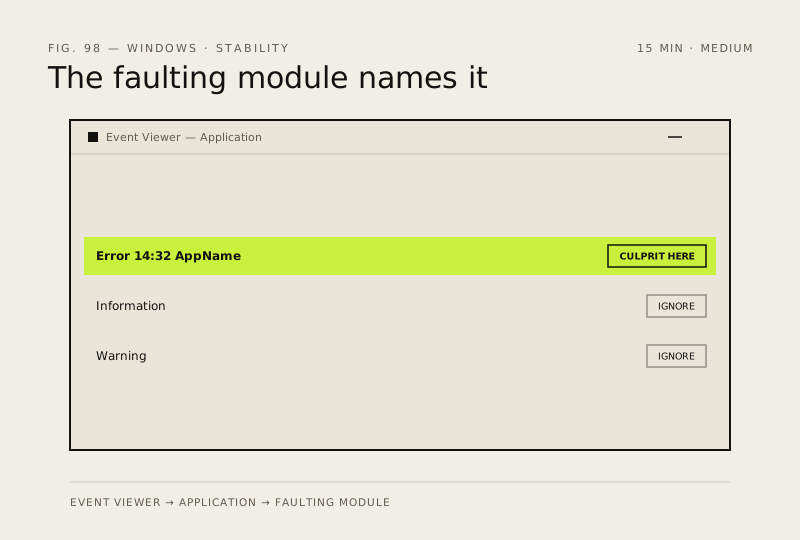
The app opens and stays open through normal use, and Event Viewer logs no new Application error for it.
If this didn't fix it
If Event Viewer names a faulting module belonging to a different program, uninstall that program rather than the app that crashed. If the app still fails in a clean boot with everything disabled, reinstall it from a freshly downloaded installer.
Next stop: the related fixes below, or start a guided diagnosis.