 Menda
Menda
Win 10 / 11 · Speed
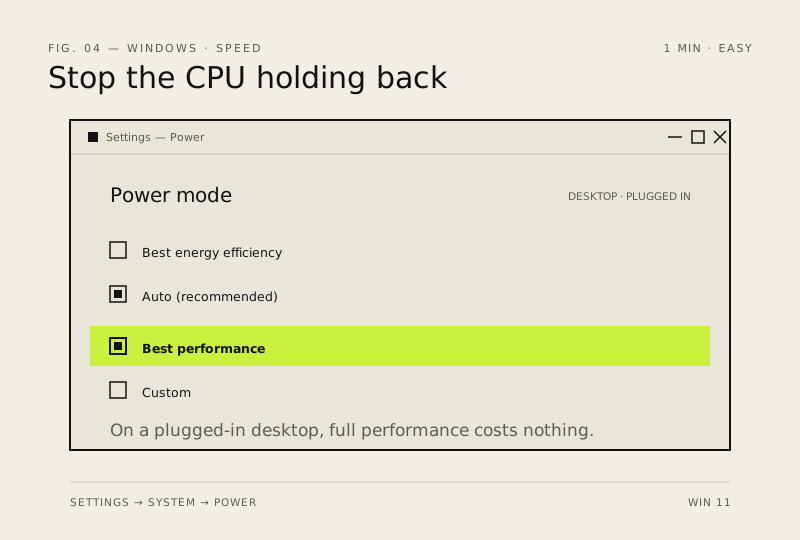
Switch the power plan to Best Performance
The default Balanced plan throttles the CPU to save power. On a desktop, just use full performance.
- DifficultyEasy
- Time1 min
- RiskLow
- ReversibleYes
- PlatformWin 10 / 11
- Updated
What that means
Low risk. This fix only checks things, or changes settings you can switch back in the same place. This change is reversible — you can return to the previous state without professional help or data loss.
Steps
How to verify the fix
Run a task that felt sluggish before and confirm the PC responds faster with no new overheating or loud fans.
If this didn't fix it
No noticeable change, or the PC runs hotter and louder — switch back to Balanced in Control Panel → Power Options.
Next stop: the related fixes below, or start a guided diagnosis.