 Menda
Menda
Win 10 / 11 · Maintenance
Run drive optimization the safe way
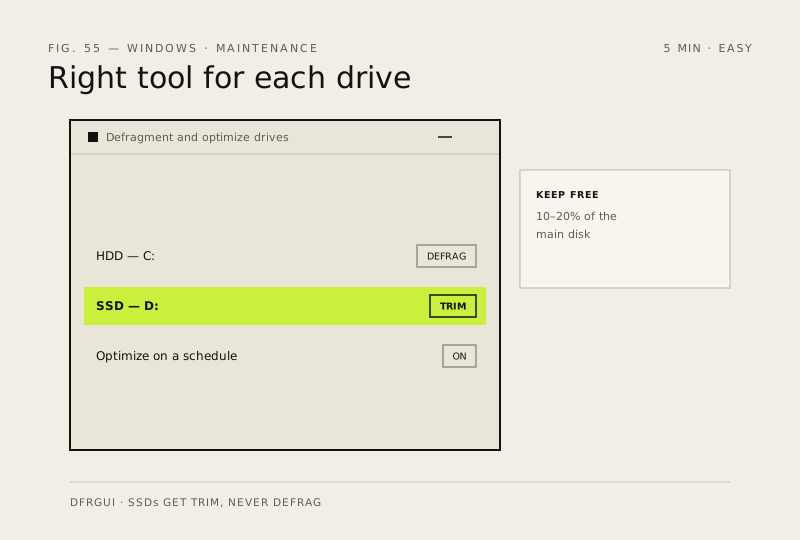
Defragmenting an SSD is actively harmful; skipping it on an HDD leaves speed on the table. Windows has one tool that does both correctly.
- DifficultyEasy
- Time5 min
- RiskLow
- ReversibleYes
- PlatformWin 10 / 11
- Updated
What that means
Low risk. This fix only checks things, or changes settings you can switch back in the same place. This change is reversible — you can return to the previous state without professional help or data loss.
Steps
How to verify the fix
The optimization schedule runs overnight without errors, and each drive gets its correct operation (defrag for HDDs, TRIM for SSDs).
If this didn't fix it
Optimization fails or the drive is still slow — check free space (keep 10–20% free) and run a disk health check.
Next stop: the related fixes below, or start a guided diagnosis.