 Menda
Menda
Win 10 / 11 · Windows
Make big file transfers actually fast
Drag-and-drop copies files one at a time and scans every byte twice. A few settings make the same transfer feel instant.
- DifficultyEasy
- Time5 min
- RiskMedium
- ReversibleYes
- PlatformWin 10 / 11
- Updated
What that means
Medium risk. This fix changes system settings, services, drivers, startup items or security features — reversible, but taking it back takes some effort or knowledge, and it may temporarily affect stability. This change is reversible — you can return to the previous state without professional help or data loss.
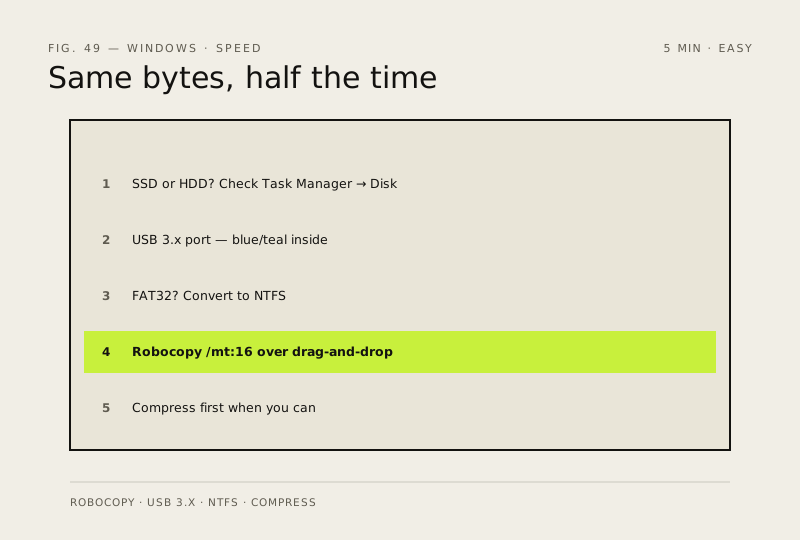
Steps
How to verify the fix
The same transfer that took minutes now completes in a fraction of the time, and Robocopy reports no copy errors.
If this didn't fix it
Speeds are still slow on USB 3.x with an SSD at both ends — the drive or cable may be faulty; test another port/cable.
Next stop: the related fixes below, or start a guided diagnosis.