 Menda
Menda
Win 10 / 11 · Windows
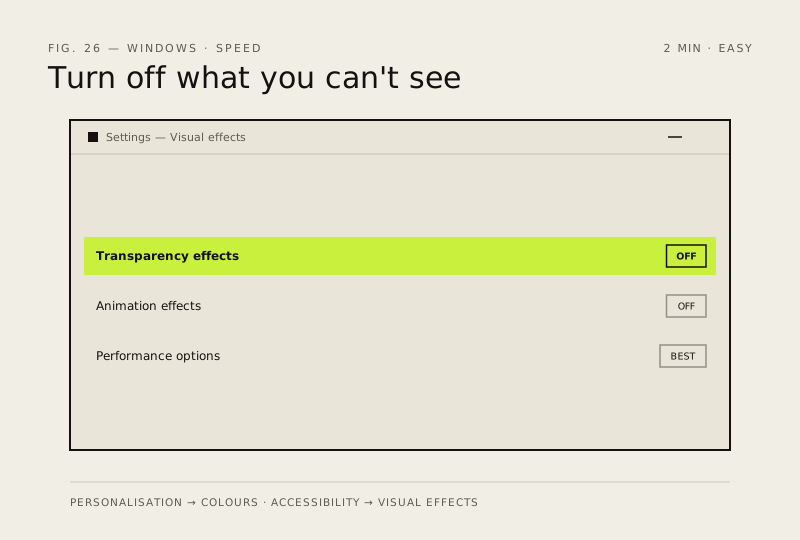
Lower Windows transparency and animation effects
Transparency and animations eat GPU and CPU on modest hardware. Turning them off makes everything feel snappier.
- DifficultyEasy
- Time2 min
- RiskLow
- ReversibleYes
- PlatformWin 10 / 11
- Updated
What that means
Low risk. This fix only checks things, or changes settings you can switch back in the same place. This change is reversible — you can return to the previous state without professional help or data loss.
Steps
How to verify the fix
Transparency and animations are visibly off in Settings, and the UI feels snappier on modest hardware.
If this didn't fix it
No perceptible speed change — turn the effects back on if you prefer the look (Settings → Personalisation).
Next stop: the related fixes below, or start a guided diagnosis.