 Menda
Menda
Win 10 / 11 · Maintenance
Windows Update stuck? The safe retry pass
A stuck update is usually one of three boring things — a pending restart, a full drive or a dead network. This pass clears all three in ten minutes and can't damage Windows; system-file repair only comes after it fails.
- DifficultyEasy
- Time10 min
- RiskLow
- ReversibleYes
- PlatformWin 10 / 11
- Updated
What that means
Low risk. This fix only checks things, or changes settings you can switch back in the same place. This change is reversible — you can return to the previous state without professional help or data loss.
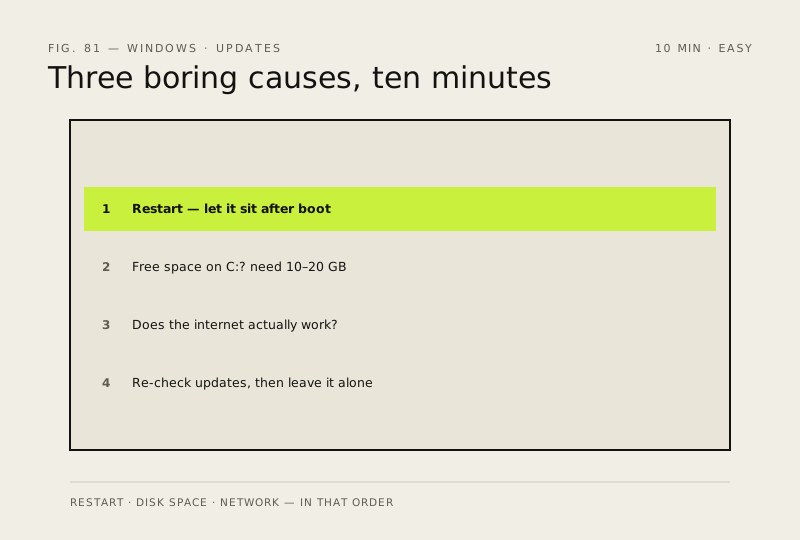
Steps
How to verify the fix
Open Settings → Windows Update and confirm the update that was failing now moves past its previous failure point — downloading, installing or completing instead of stopping at the same percentage or error.
If this didn't fix it
If the update still fails at the same stage after two attempts (same percentage or same error code), stop repeating this pass. Move to 'Repair corrupted system files' and note the exact error code for the next step — do not start deleting update folders or editing the registry yet.
Next stop: the related fixes below, or start a guided diagnosis.