 Menda
Menda
Win 10 / 11 · Windows
Stop Windows updates at odd hours
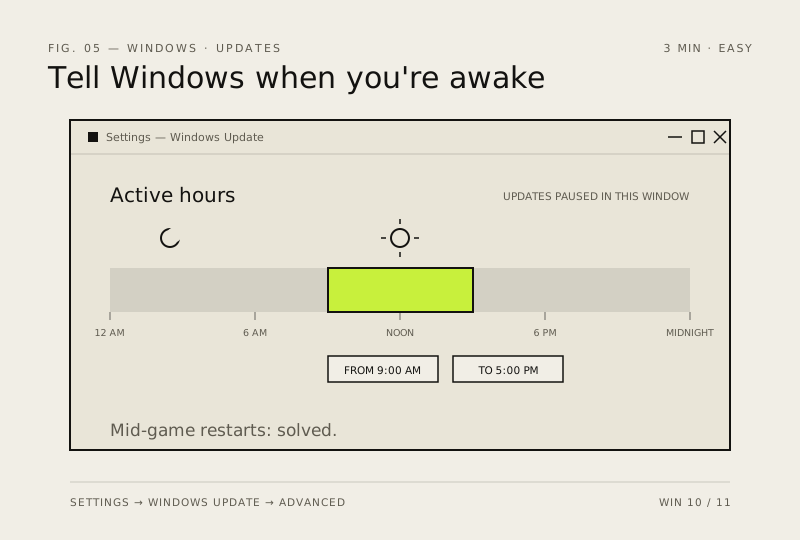
Updates restarting your PC while you're mid-game is a real thing. Set Active Hours so Windows knows when you're working.
- DifficultyEasy
- Time3 min
- RiskLow
- ReversibleYes
- PlatformWin 10 / 11
- Updated
What that means
Low risk. This fix only checks things, or changes settings you can switch back in the same place. This change is reversible — you can return to the previous state without professional help or data loss.
Steps
How to verify the fix
The PC no longer restarts for updates during your set active hours window.
If this didn't fix it
Unexpected restarts continue — widen the active hours range or check that another scheduled task is restarting it.
Next stop: the related fixes below, or start a guided diagnosis.