 Menda
Menda
Win 10 / 11 · Security
Stop Windows tracking your location
Your PC knows where you are — and most apps don't need to either. Cut it off at the source.
- DifficultyEasy
- Time5 min
- RiskLow
- ReversibleYes
- PlatformWin 10 / 11
- Updated
What that means
Low risk. This fix only checks things, or changes settings you can switch back in the same place. This change is reversible — you can return to the previous state without professional help or data loss.
Steps
How to verify the fix
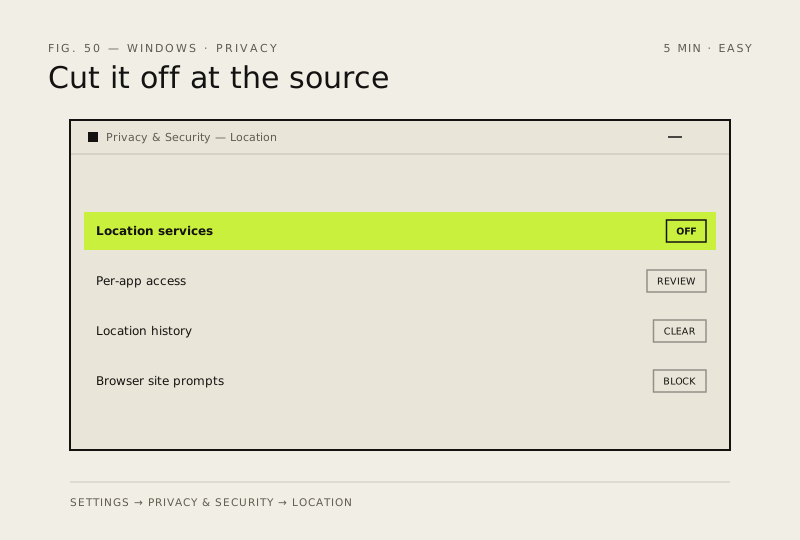
Location services show off (or per-app off) in Settings, and apps no longer prompt for your location.
If this didn't fix it
An app still asks for location after you toggled it off — check the per-app list under Let apps access your location.
Next stop: the related fixes below, or start a guided diagnosis.