 Menda
Menda
Any · Security
Spot a phishing email before you click
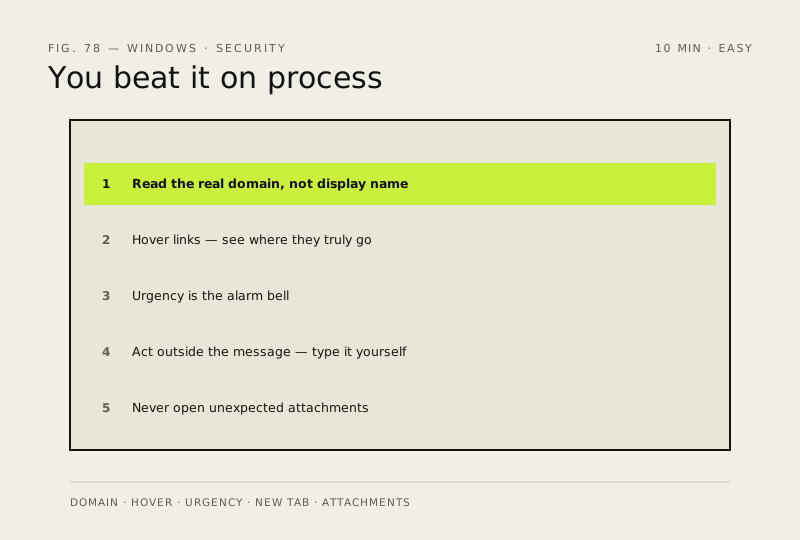
Modern phishing has no spelling mistakes and copies the real branding pixel for pixel. You beat it on process, not on how convincing the message looks.
- DifficultyEasy
- Time10 min
- RiskLow
- ReversibleYes
- PlatformAny
- Updated
What that means
Low risk. This fix only checks things, or changes settings you can switch back in the same place. This change is reversible — you can return to the previous state without professional help or data loss.
Steps
How to verify the fix
You can read the sender's real domain, hover-check a link's destination, and verify notices by typing the address yourself.
If this didn't fix it
You're unsure whether an email is genuine — don't act from inside it; open a new tab, type the site yourself, and check there.
Next stop: the related fixes below, or start a guided diagnosis.